The challenge
Requests came in by phone, Messenger, a Facebook “Book now” button and a contact form. Customers were not sure which skip to choose, and the office had no single view of skips, vans, drivers and daily capacity.
A skip hire and waste business took bookings by phone, Messenger and a contact form, and planned the day in their heads. They asked for more direct bookings and more control over their workload. This is a system we built for a skip hire business, now being rolled out, with views for customers, the office and drivers.
Now being rolled out · Screens show sample data · Client name withheld
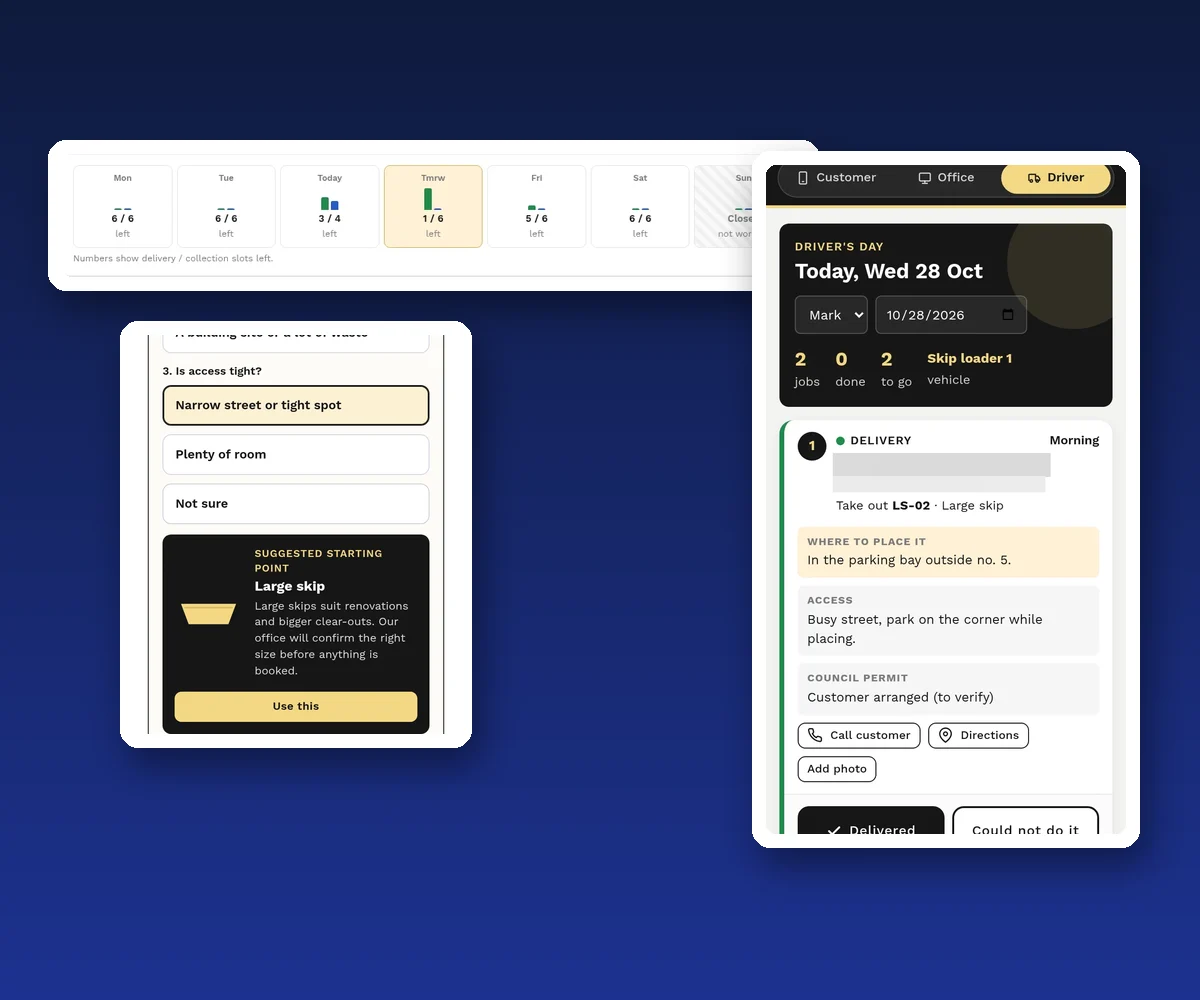
In short: customers book a skip on their phone, with help choosing the size. The office sees how many delivery and collection slots are left each day, assigns each job to a vehicle and driver, and is warned before overbooking. Drivers see their jobs in order and mark each one done. It is a system we built for a skip hire business, now being rolled out. The screens show sample data, and there are no results to share yet.
The story
Requests came in by phone, Messenger, a Facebook “Book now” button and a contact form. Customers were not sure which skip to choose, and the office had no single view of skips, vans, drivers and daily capacity.
A mobile booking flow with a skip size helper, an office dashboard with capacity, scheduling and skip tracking, and a simple driver view for the day’s jobs.
Bookings arrive complete. The office sees capacity before saying yes, every skip has a status, and drivers report back from the road.
The challenge
A skip hire and waste business has a fixed number of skips, vehicles and drivers, and a limited number of jobs each vehicle can do in a day. Every delivery later needs a collection or an exchange.
Requests arrived through a website contact form, a Facebook “Book now” request, phone calls and Messenger. Each one needed back-and-forth to get the address, dates, placement and size. Many customers did not know which skip they needed. Skips placed on the road need a permit, which is easy to forget.
The owner asked for two things: more direct bookings, and more control over the workload.
What we built
A seven-step booking flow that works on a phone. The customer chooses to hire a skip or ask for a quote for another service, picks a skip visually (mini, large, extra large, with side doors, or closed and leakproof), chooses dates, and says where it goes. If it goes on the road, the system reminds them about the permit. They add access notes, review and send. The office confirms.
Customers who tap “I’m not sure” answer three quick questions: what kind of job it is, how much waste there is, and whether access is tight. The system suggests a starting size, and the office confirms the right skip before anything is booked.
The office opens a “Today” screen: what needs attention, what is going out today, collections and exchanges, and tight days coming up. Each hire has one record that links its delivery, any exchanges and the collection, with a full history.
A week view shows how many delivery and collection slots are left each day, and which days are closed. The office assigns each job to a vehicle (for example a skip loader or a hookloader), a driver and a date. If a day is full, a skip is not free or a vehicle is double-booked, the system warns. The office can override, but has to give a reason, and the reason is saved.
Every skip has a status: available, reserved, on hire, awaiting collection, in transit or unavailable. The office can see at a glance what can go out.
Drivers see today’s jobs in order, with the address, where to place the skip, access notes and permit status. They can call the customer, get directions and add a photo, then mark the job “Delivered” or “Could not do it” with a reason. Problems go straight back to the office.
Show us how bookings work today. We map your rules and show you what a booking system would change.
Inside the system
Click any image to enlarge it. Screens show sample data, not client figures. Names, references and addresses are hidden.
Results
This is a system we built for a skip hire business, now being rolled out. It is too early for results, so we do not claim any. The screens on this page show sample data, not the business’s real bookings.
What it is designed to change:
We will update this case study when there are real numbers to share.
The service behind it
Online booking built around your real rules: capacity, resources, staff and confirmations.
Dispatch, scheduling and staff apps that fit how your team works. Custom systems start from €7,500 excl. VAT.
Straight answers
A skip hire and waste business. The same approach works for any business that delivers, collects or dispatches vehicles and staff.
The customer answers three questions: the type of job, how much waste, and whether access is tight. The system suggests a starting size and the office confirms before booking.
Each day has a set number of delivery and collection slots. The system warns when a day is full, a skip is not free or a vehicle is double-booked. Overrides need a reason.
Today’s jobs in order, with address, placement, access and permit notes, plus call, directions and photo buttons. Each job is marked delivered or could not do it, with a reason.
None yet. It is a system we built for a skip hire business, now being rolled out, so this case study shows the problem, what we built and how it works. The screens show sample data.
Custom systems start from €7,500 excl. VAT. The final price depends on the scope we agree after mapping your process.
A system we built for a skip hire business, now being rolled out. Screens show sample data and are not client results. Client name withheld.
More case studies
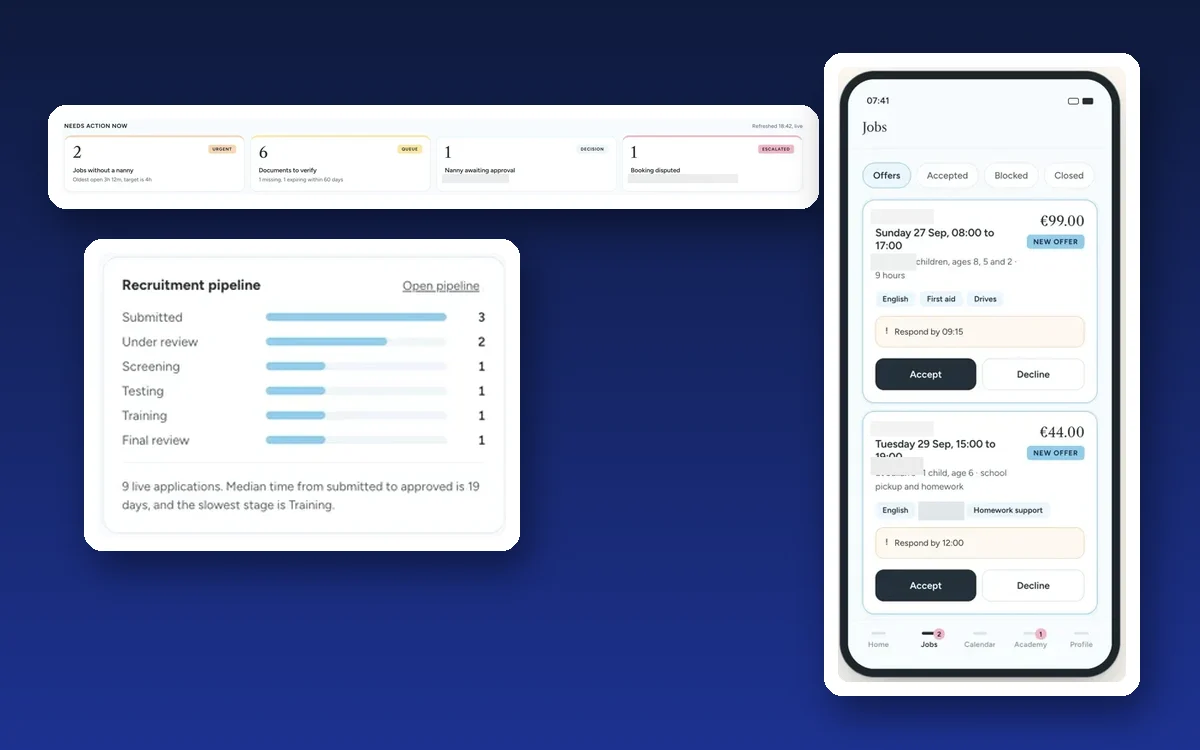
in one CRM for a childcare agency.
An office command centre, a nanny portal and a parent booking app, sharing one record.
Read the case study →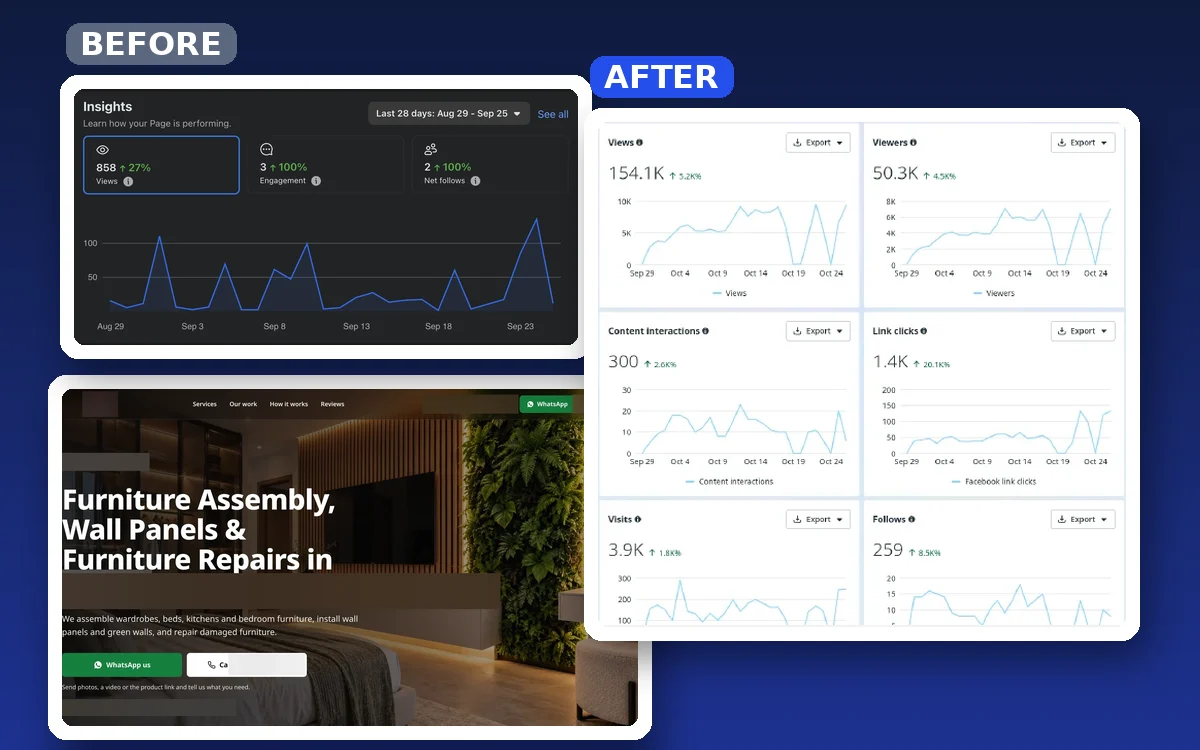
Facebook views in 28 days, from almost none.
A furniture installer with no website and an empty page got a website, social media and WhatsApp ads.
Read the case study →Tell us how jobs come in and go out today. We show you what a booking system would change.