CRM for Clinics in Malta: Dental, Medical, Physio and Vet
A CRM for clinics in Malta: book more enquiries, run recalls and treatment-plan follow-up, and keep health data safe. Free recall calculator and GDPR checklist.
Systems & AI · Clinics
Malta Digital builds custom business systems in Malta, including patient portals for private clinics. A portal lets patients book, fill in forms, see their documents and pay, without calling reception. This guide shows what a clinic portal should do, what it must not do, the rules that apply, a worked example and a free planner.
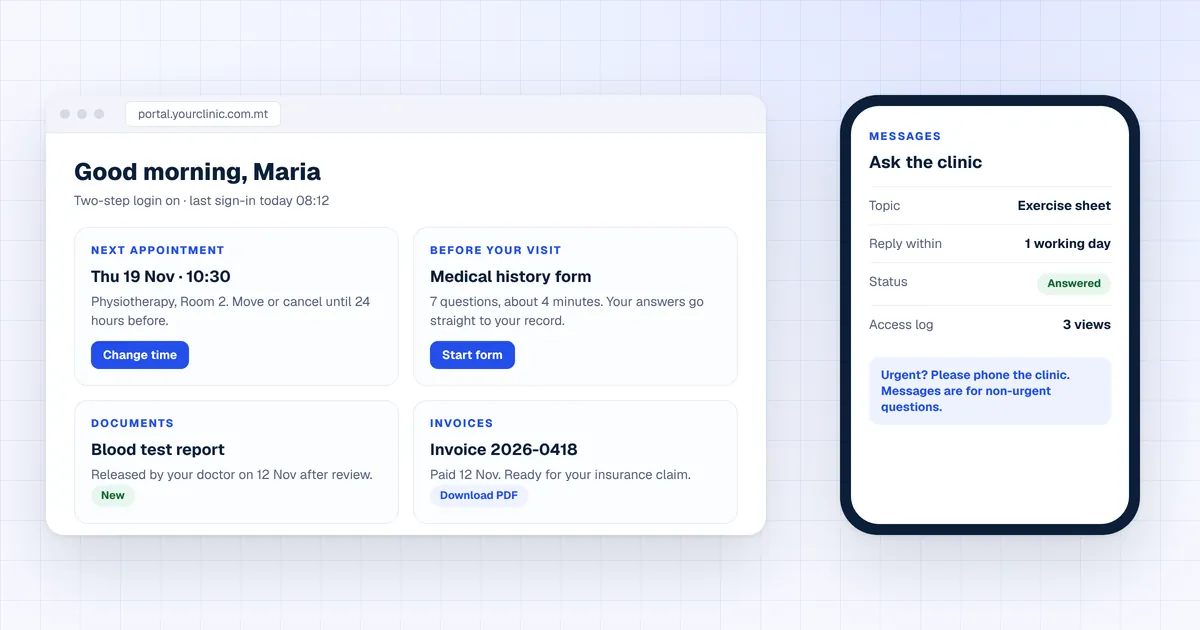
A patient portal is a secure login where your patients book and move appointments, fill in forms before the visit, see documents and results your doctor has released, download invoices for insurance and send messages. Health data is a special category under the GDPR, so it needs two-step login, access by role and a log of who opened what. In Malta, 39.1% of people accessed health records online in 2024 (Eurostat), well above the EU’s 27.7%. Malta Digital builds clinic portals on your own records, and you own the code.
The short version
Reception spends much of the day on the same jobs: moving appointments, sending forms, emailing receipts and answering “are my results back?”. A portal lets patients do these themselves, safely, at any hour.
Patients see free slots, book, move or cancel, inside the rules you set.
Medical history, consent and intake forms filled in at home, not on a clipboard.
Reports and letters appear only after the doctor has released them.
Paid invoices ready to download for health insurance claims.
Non-urgent questions to the clinic, with a clear reply time.
Two-step login, and a log of every view and change.
A portal is not a website and not a booking widget. It is a private space for each patient, built on top of your clinic’s own records. Our guide to a client portal covers the same idea for other service businesses.
Malta data
Eurostat asks people each year what they do online. In 2024, 39.1% of people aged 16 to 74 in Malta accessed their personal health records online, up from 16.7% in 2020. The EU average was 27.7%.

The gap is in other online health services. Only 13.4% of people in Malta used a website or app for health services instead of visiting, against 20.8% in the EU. Patients are ready to log in; most private clinics do not give them anywhere to go.
What myHealth covers. The Government’s myHealth portal shows records from Government health IT systems, such as discharge letters, lab results and image reports, once the patient’s linked doctor releases them. A private clinic’s own forms, invoices and reports need their own channel, which is what your portal gives.
What goes in
Decide this with your doctors before anything is built. A good portal is strict about what it shows and when.
| Feature | What the patient sees | The rule we build in |
|---|---|---|
| Appointments | Upcoming and past visits, free slots | Changes allowed only up to your cut-off time |
| Forms | History, consent and intake forms to complete | Answers go straight to the record, never by email |
| Documents and results | Reports and letters | Shown only after a doctor releases them |
| Invoices | Paid invoices and receipts | Ready to download for insurance claims |
| Messages | Non-urgent questions and replies | A clear reply time, and urgent cases told to phone |
| Access log | Who opened their record and when | Every view and change is logged |
Apply now and tell us how many visits you run a week, which system holds your diary and what patients ask for most. We reply with what we would build first.
Free tool
Put in your booking calls, paper forms and document requests. The planner works out the reception hours a portal could save each month and, if you add a staff cost, what that time is worth. Nothing you type leaves this page.
Starting numbers match the worked example below. Replace them with yours.
Your result appears here as you type.
How it works
Here is the path a typical visit takes. Every step writes to the same patient record that your staff already use.
If your diary is still on paper or in a basic app, start with a booking system. A portal needs live slots to offer.
The rules
Health data is a “special category” under Article 9 of the GDPR, so the bar is higher than for a normal customer login. Three rules shape every clinic portal.
Two-step login, encryption, access by role and a log of who opened what. Hosting in the EU keeps things simple.
Patients can ask for a copy of their data, and you must reply within one month (Article 12). A portal makes that a download.
Software meant to diagnose or suggest treatment can be a medical device under Regulation (EU) 2017/745. A portal that books, collects forms and shares released documents does not do that.
The EU direction is clear. Under the European Health Data Space Regulation, from 26 March 2029 people get new rights to access patient summaries and e-prescriptions online, and from 26 March 2031 lab results, imaging reports and discharge reports. A clinic that already shares documents through a portal is ahead of that change.
Our guide to CRM and GDPR covers data processing agreements, retention and access in more detail.
Worked example
Here is an example clinic, not a client: three practitioners, 250 visits a week and one receptionist on the phone most of the day. These are the planner’s starting numbers.
| Item | Today | With a portal | Difference |
|---|---|---|---|
| Booking change calls | 100 a week at 4 minutes | 60% done online | about 17 hours a month |
| Paper forms typed in | 60 a week at 6 minutes | 70% filled in at home | about 18 hours a month |
| Document and receipt requests | 80 a month at 5 minutes | 70% self-service | about 5 hours a month |
| Total reception time | about 40 hours a month |
The paper forms and the “are my results back?” calls are the steady savings. Change the figures in the planner to your own.
Your options
Online booking and reminders, often with no login or documents.
Best for: Clinics that only need fewer booking calls.
Many clinic systems include a basic patient area.
Best for: Clinics happy to work the way the software works.
Built on your own records and rules, with your forms, release steps and insurance receipts. You own the code.
Best for: Clinics with several practitioners, rooms, forms or insurers.
Already planning a clinic CRM for recalls and follow-ups? Our guide to a CRM for clinics shows how the portal and the CRM share one patient record.
Step by step
Proof
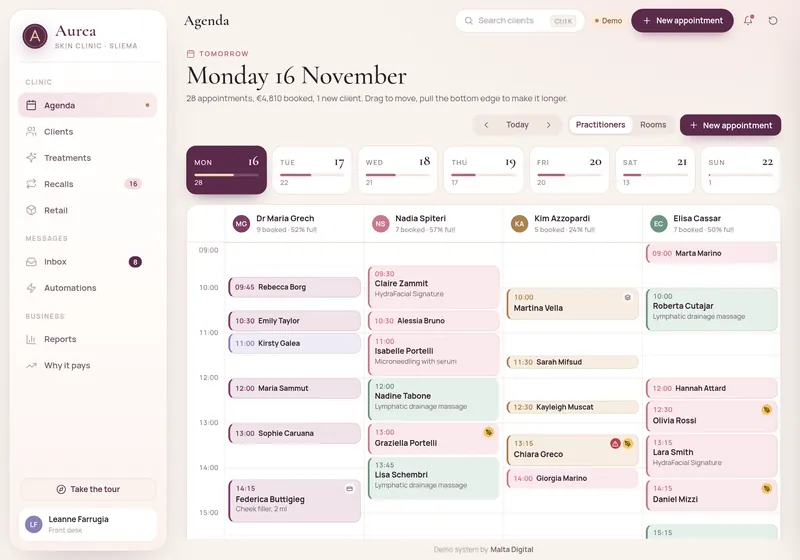
Our live clinic CRM demo shows the staff side of a portal: an agenda by practitioner and room, with consent, medical flags and recalls checked before each patient arrives. It is a sample business with sample data, built to show the design and features, not client results.
A few straight answers
A secure login where patients book and move appointments, fill in forms, see documents a doctor has released, download invoices and send non-urgent messages.
It can be, if it is built for health data: two-step login, encryption, access by role, a log of every view, EU hosting and a data processing agreement.
Not in a portal we build. Results stay hidden until a doctor has checked and released them, much like myHealth, where the linked doctor releases results first.
Not if it only books, collects forms and shares released documents. Software meant to diagnose or suggest treatment can fall under the EU medical device rules.
myHealth is the Government’s own portal for Government health records. A private clinic portal runs alongside it for your own forms, invoices and reports.
A focused portal gets a first working version in 2 to 4 weeks. Bigger systems with many practitioners and integrations are live within 2 to 3 months.
Malta Digital builds custom systems from €7,500. The price depends on practitioners, forms, integrations and how much data moves, with a written quote first.
Sources
Keep reading
A CRM for clinics in Malta: book more enquiries, run recalls and treatment-plan follow-up, and keep health data safe. Free recall calculator and GDPR checklist.
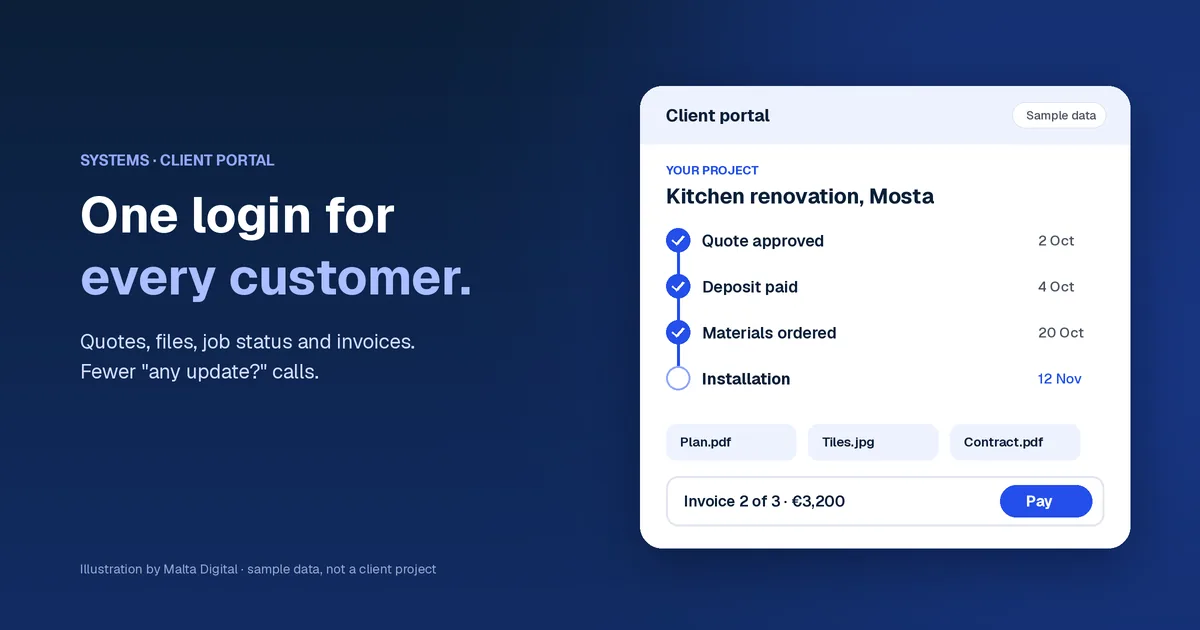
What a client portal does for a service business: quotes, files, job status and invoices in one login, Malta data, a free time-cost calculator and costs.

How to choose a booking system for a salon or clinic in Malta: must-have features, fewer no-shows, ready-made vs custom, what to connect it to and costs.
A useful first step
Tell us how many practitioners you have, which system holds your diary and what patients ask reception for most. We reply with what we would build first and what a portal that fits would cost.
Step 1 of 3
A few quick questions, about a minute. We usually reply within 2–3 hours.