Appointment reminders
When to send them, WhatsApp, SMS or email, message examples, one-tap confirm and reschedule, and GDPR for clinics and salons.
Free tool · Booking systems
To work out what no-shows cost, multiply the no-shows you do not manage to refill by your average appointment value, then by the weeks you are open in a year. Your no-show rate is no-shows divided by appointments booked, times 100. The free calculator below does the maths with your own numbers only, adds the admin time each no-show costs if you want, and shows what your own target reduction would be worth. It is built by Malta Digital for clinics, salons, physios, tutors and any business that runs on appointments.
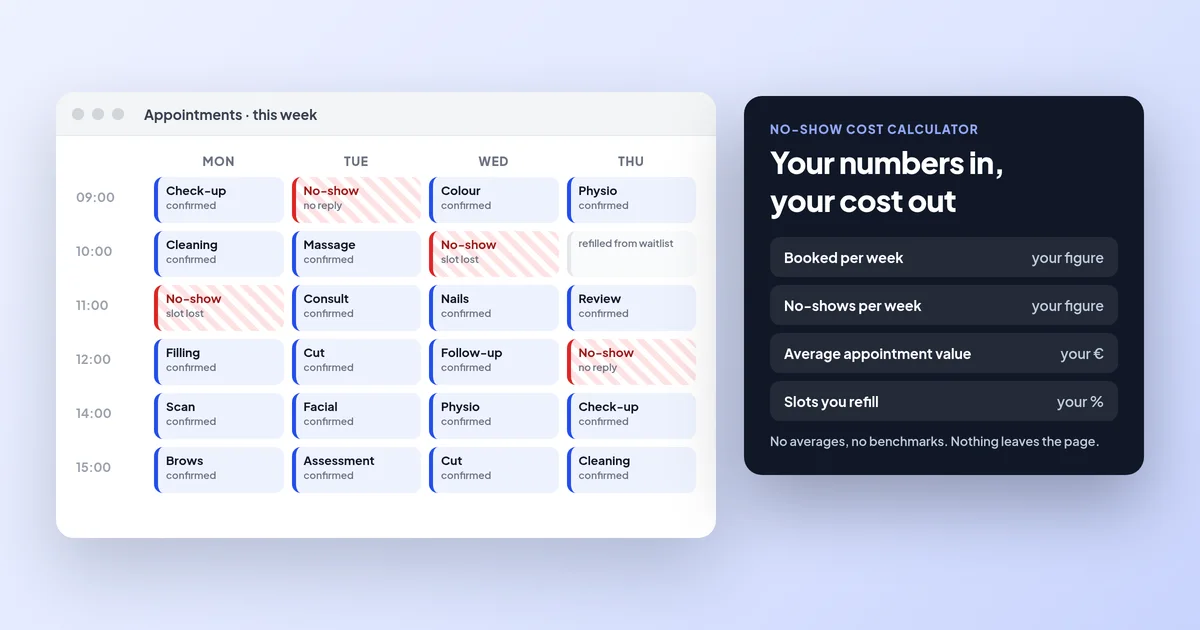
No-show rate = no-shows ÷ appointments booked × 100. Yearly cost = no-shows you do not refill × your average appointment value × weeks open, plus staff time if you count it. Malta Digital’s free no-show cost calculator does this with your own numbers only, with no averages or benchmarks, and shows what your own target reduction would be worth.
The calculator
Type the numbers from a normal week. If you are not sure, count last week’s diary: how many appointments were booked and how many people did not turn up or cancelled too late to fill the slot. The calculator works it out as you type and nothing leaves your browser.
Use your own numbers. Nothing you type is sent or saved.
The formula
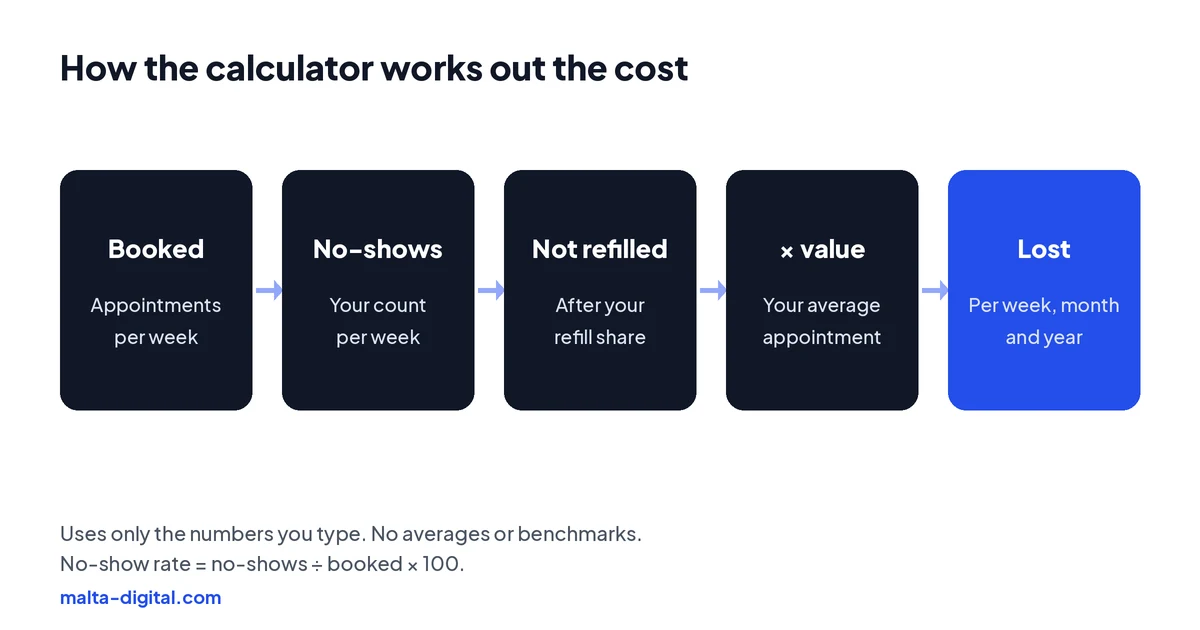
No-show rate = no-shows ÷ appointments booked × 100. Weekly cost = no-shows × (1 − share you refill) × average appointment value, plus admin time if you add it. Yearly cost = weekly cost × weeks open. The monthly figure is the yearly cost divided by 12.
A made-up example to show the maths, not a benchmark: a clinic books 120 appointments a week and has 6 no-shows, a 5% no-show rate. It refills one in three of those slots, so 4 are lost. At €50 an appointment, that is €200 a week, or €9,600 over 48 weeks. Your own numbers will be different, which is why the calculator asks for them.
What it hides
The calculator counts the money in the empty slot. No-shows also cost things that are harder to put a price on: a practitioner standing idle, a patient who needed the slot and could not get it, a course of treatment that stalls when someone misses their second session, and the time spent calling people who did not turn up.
Look at the pattern too. No-shows are often higher for first appointments booked far ahead, early morning slots and bookings made without a confirmed phone number. If your booking system records who missed which slot, you can see this for yourself instead of guessing.
Want a booking system that shows your no-shows by day, service and source? Message us on WhatsApp
How to reduce them
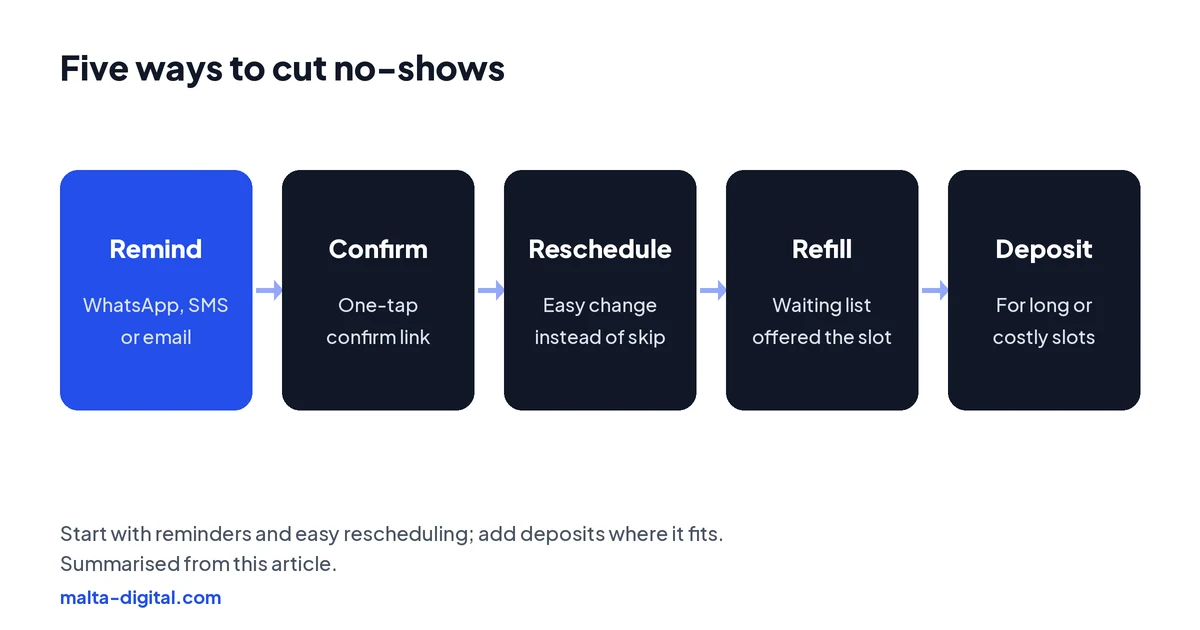
1. Remind. Send a reminder the day before, and for early slots a second one on the morning, by WhatsApp, SMS or email. 2. Ask for a confirmation. A one-tap confirm or cancel link tells you who is coming, and frees the slot early for those who are not. 3. Make rescheduling easy. People who cannot change a booking in two taps often just do not turn up. 4. Refill. Keep a waiting list and offer a freed slot to the next person automatically. 5. Deposits. For long or costly appointments, take a deposit or card details at booking, with a clear cancellation policy.
Apply now and tell us how you book and remind clients today. We’ll show you the reminder, refill and deposit setup we’d use, or message us on WhatsApp.
Malta specifics
WhatsApp first. Most clients in Malta read WhatsApp faster than email, so send reminders there where you have permission, with SMS or email as backup. Business-initiated WhatsApp messages must use approved templates. Clear policy. If you charge for late cancellations or keep deposits, state the policy clearly before the client books and in the confirmation message. Language and time. Write reminders in English or Maltese as your clients prefer, and always show the date, time and the place, especially if you have more than one clinic or salon.
Data. Appointment reminders are service messages, not marketing, but they still use personal data, so keep only what you need and do not use the same list for promotions without consent.
Proof
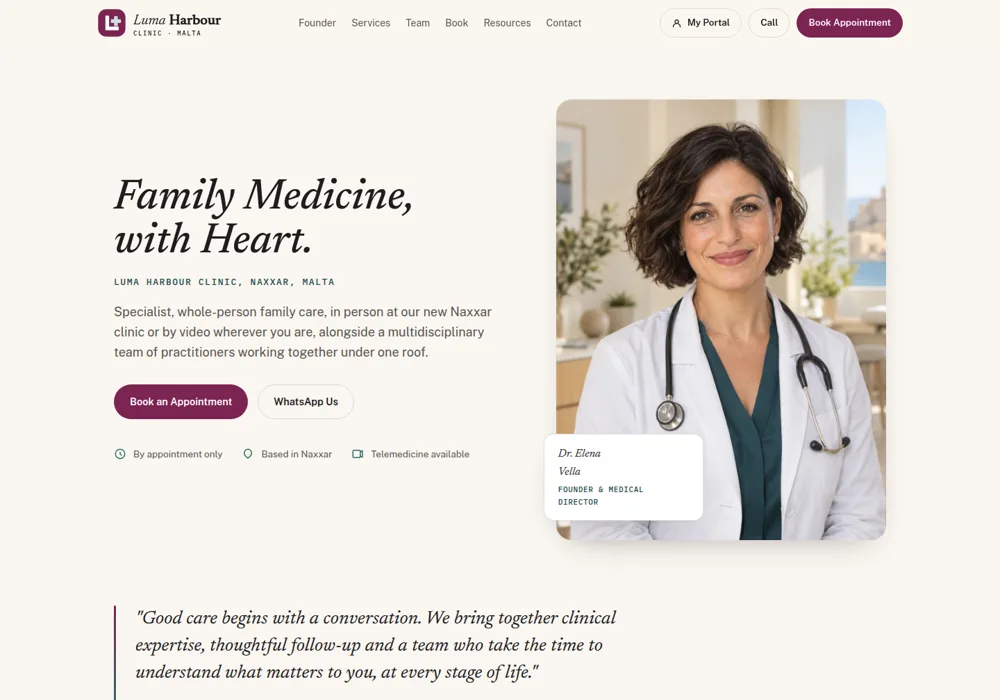
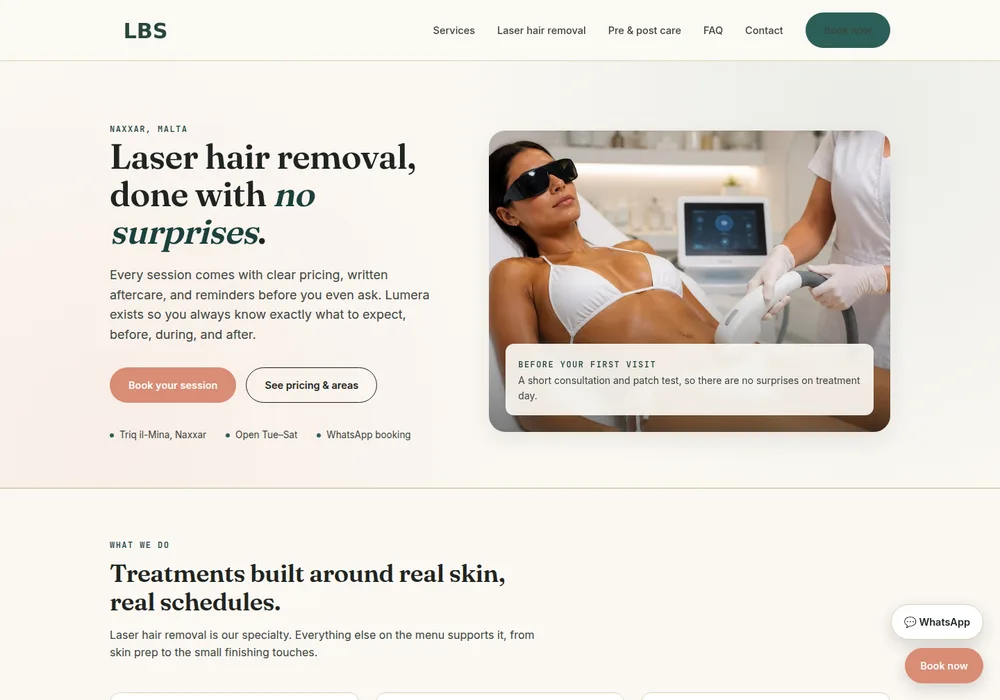
Reminders and refills work best when they come from the same system as the booking, so a cancellation frees the slot straight away. Our clinic and beauty studio demos show the kind of booking flow those reminders are built into.
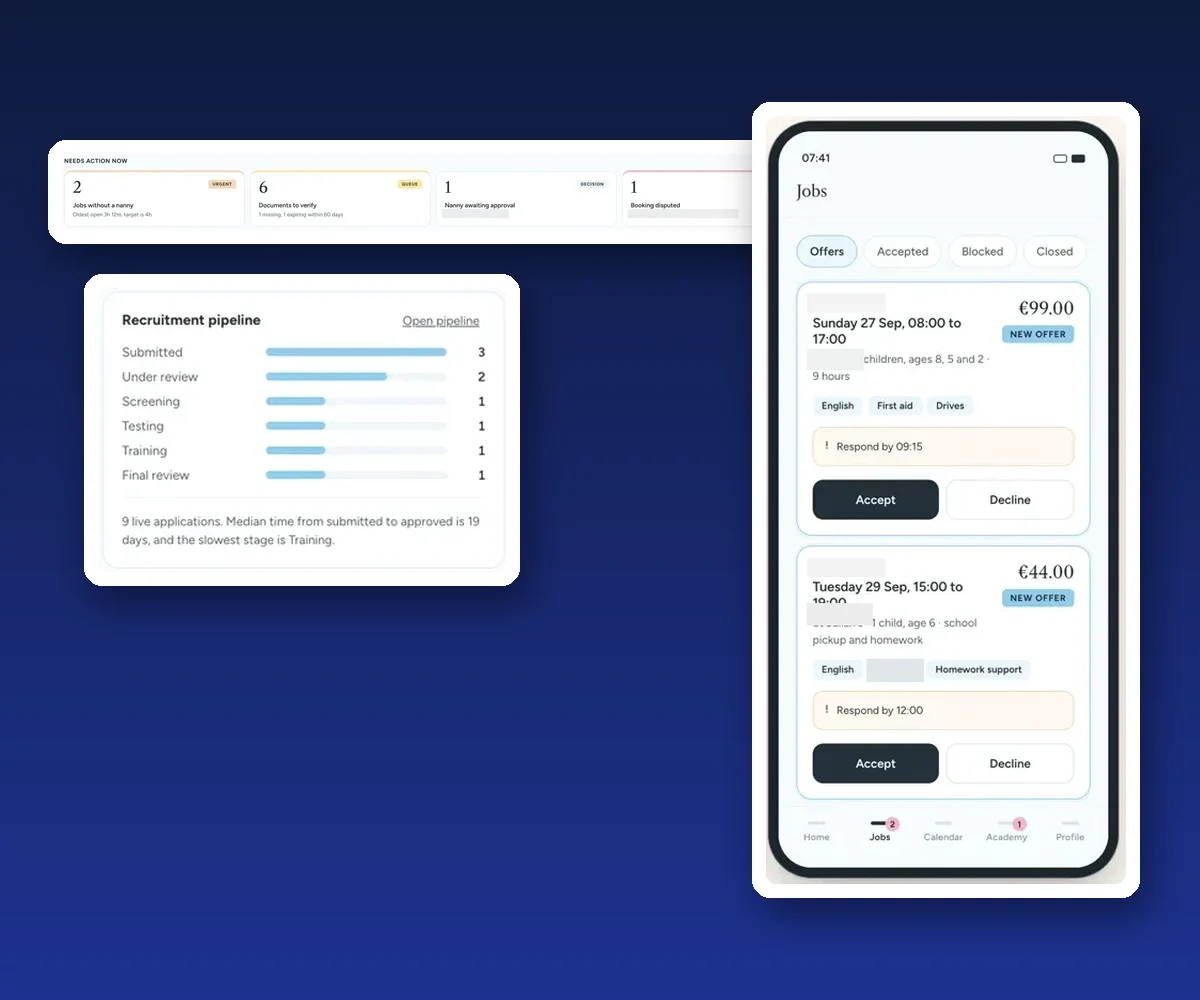
For a larger example, we built a CRM and booking platform for a childcare agency that connects requests, staff schedules and a phone app, so one change shows up everywhere.
How we build it
We map how your appointments are booked, confirmed, moved and paid for today, then build the booking flow around it: online booking, WhatsApp, SMS or email reminders with confirm and reschedule links, a waiting list that refills freed slots, deposits where they make sense, and a report that shows no-shows by day, service and staff. It connects to your CRM and calendar, so every client has one record.
Malta Digital’s custom systems start from €7,500, excluding VAT, depending on users, workflows and integrations. If you mainly need to see where enquiries get lost before they become bookings, try the lost leads calculator too.
A few straight answers
Divide the number of no-shows by the number of appointments booked in the same period, then multiply by 100. For example, 6 no-shows out of 120 bookings is a 5% no-show rate.
Multiply the no-shows you could not refill by your average appointment value, then by the weeks you are open in a year. Add the staff time spent on each no-show if you want the full cost.
It varies widely by type of business, service and how far ahead people book, so the useful number is your own. Measure it for a few weeks, make one change such as reminders, and measure again.
Reminders with an easy way to confirm or reschedule help many people who simply forgot, and free slots early so you can refill them. Measure your own rate before and after to see the effect.
Many businesses take deposits or charge late-cancellation fees. Make the policy clear before booking and in the confirmation. For specific cases, ask a legal adviser.
No. It runs in your browser, nothing you type is sent or saved, and it uses no averages or benchmarks, only your own numbers.
Ready-made booking apps charge a subscription. Malta Digital’s custom booking and CRM systems start from €7,500, excluding VAT, depending on users, workflows and integrations.
Keep reading
When to send them, WhatsApp, SMS or email, message examples, one-tap confirm and reschedule, and GDPR for clinics and salons.

Features that matter, deposits and reminders, client records and privacy, ready-made vs custom.
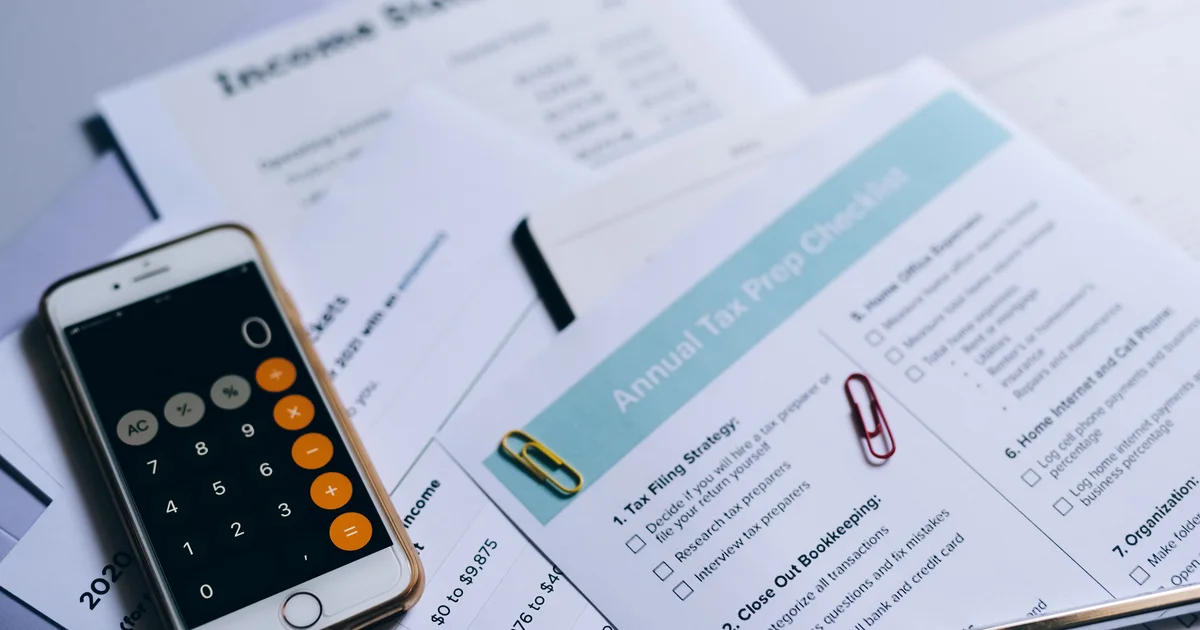
Estimate what missed enquiries and manual admin cost you each month, using only your own numbers.
A useful first step
We build booking systems with reminders, confirm and reschedule links, waiting-list refills and deposits, connected to your CRM. Custom systems from €7,500, excluding VAT.