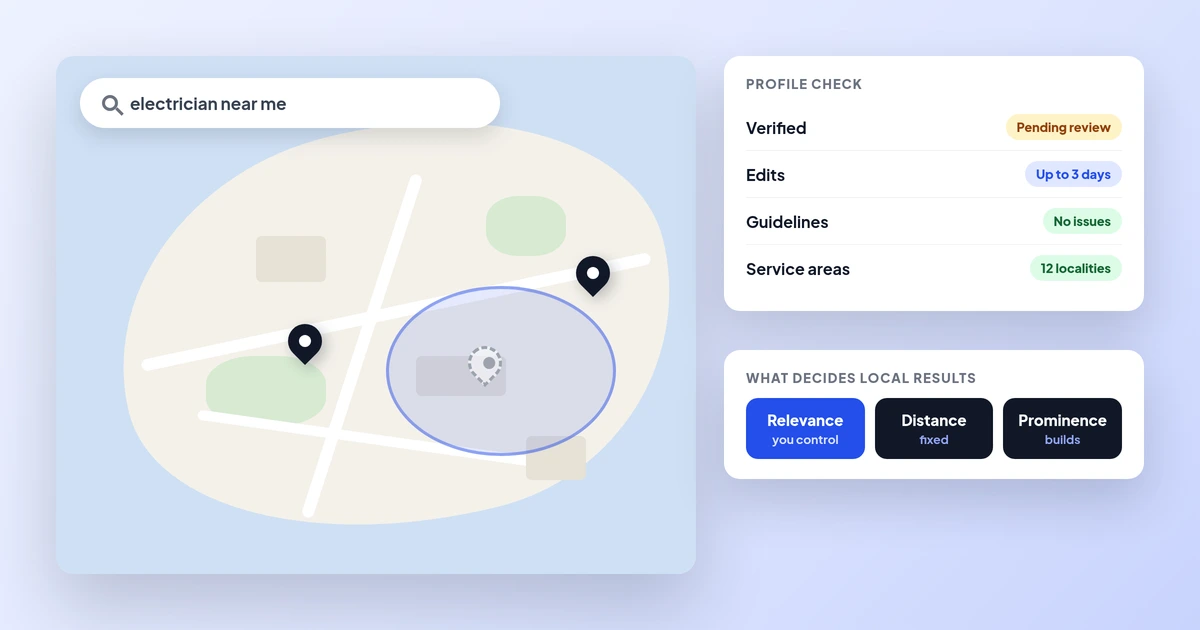
Business not showing on Google Maps
Fix your map listing.
Websites · Getting found
Your website is live, but searching for it shows nothing, or only your Facebook page. This guide shows how to find the cause in two minutes, the ten reasons we see most on Malta sites, how to fix each one and a free checker for your own site.
A website usually does not show on Google because Google has not found it yet, because something on the site blocks Google (most often a leftover noindex tag or a robots.txt rule), or because it is indexed but does not rank for the words you searched. Search site:yourdomain to see which, then fix it with Search Console. Every site in our website design packages goes live ready to be indexed.
The short version
A website usually does not show on Google for one of three reasons: Google has not found it yet, something on the site is telling Google to stay away, or the site is in Google’s index but does not rank for the words you searched. You can tell which one in two minutes by searching site:yourdomain.com.mt and your business name, then fix it with the steps below.
Google’s own help says a new page or site can take a week or so before crawling and indexing start, and that crawling can take anywhere from a few days to a few weeks. If it has been longer than that, something is usually wrong, and it is almost always fixable. This guide walks through the ten causes we see most often on Malta business websites, how to spot each one and how to fix it, with a free checker that puts them in order for your site.
If your site was built in a way that hides it from Google, the fastest fix may be a rebuild that is made to be found; our website design packages show what we deliver and when.
Check first
Before changing anything, run three quick searches on Google. They are the same checks Google’s own Search Console help recommends for small sites.
| Search this | If you see results | If you see nothing |
|---|---|---|
| site:yourdomain.com.mt | Google has indexed at least some pages; your problem is more likely ranking | Google has not indexed the site; start with the first six causes below |
| site:yourdomain.com.mt plus a word from your main page | That page is indexed | That page may be missing; check it with URL Inspection |
| Your exact business name | Your brand is known to Google | The site is new, unlinked or blocked |
Replace yourdomain.com.mt with your own address, with no space after the colon. Then, if you have not already, set up Google Search Console, Google’s free tool for site owners. Its URL Inspection tool tells you whether a single page is indexed and why not, and its Page indexing report lists the reasons for the whole site. Google notes that sites with fewer than 500 pages can usually rely on the simple searches above.
One warning: results are personal. Google points out that an indexed page will not show in every search or at the same position, because results depend on location, search history and other things. Check from a private browser window, and remember that “web design” searched from Valletta can give different results from the same words in Victoria.
The ten causes
| Cause | How to spot it | Fix |
|---|---|---|
| The site is new | Live for days, not weeks | Wait, but submit it in Search Console so Google knows it exists |
| Google cannot find it | Nothing links to it and no sitemap | Submit a sitemap, request indexing of the home page, link it from your Google profile |
| A noindex tag was left on | URL Inspection says “Excluded by noindex” | Remove the tag or the builder’s “hide from search engines” setting |
| robots.txt blocks Google | “Blocked by robots.txt” in Search Console | Remove the blocking rule |
| Several addresses for one site | www and non-www, .mt and .com.mt all open | Pick one address and redirect the others to it |
| Google cannot reach the pages | Server errors, a password page or an expired domain | Fix hosting, remove the login, renew the domain |
| A redesign broke the old addresses | Old pages return “not found” | Redirect each old address to its new page |
| The words are inside images | Menus, prices and services as pictures or PDFs only | Put the key text on the page as real text |
| Crawled but not indexed | “Crawled, currently not indexed” on many pages | Make each page useful and different; merge thin pages |
| A manual action or hack | A message in Search Console, or strange pages in site: results | Clean the site, fix the cause, request a review |
The first six causes stop a site from being indexed at all. The last four usually affect some pages, or make the site drop after it was showing. The next sections explain the most common ones.
Want us to find which of these is stopping your site? Apply now for a website that gets found that gets found
New and unknown
Google finds new pages mainly by following links from pages it already knows, and from sitemaps. A brand-new site with no links pointing to it can sit unseen. Google’s Search Console help says that for a new website, the best first step is to request indexing of the home page, and that crawling can then take a few days to a few weeks.
Two things do not work. Google says it does not accept payment to crawl a site more often or rank it higher, so anyone selling “instant Google indexing” is selling nothing. And requesting indexing every day does not speed it up. If you have not set up your Google profile yet, our Google Business Profile setup guide walks through it.
Blocked by mistake
This is the cause we find most often on sites that were “finished” but never appear. While a site is being built, designers often switch on a setting that asks search engines not to index it, then forget to switch it off at launch. On many website builders it is a single tick box with a name like “discourage search engines” or “hide from search”.
That setting usually adds a noindex tag to every page. Google’s rule is simple: when it sees noindex, it drops the page from results, whatever links point to it. The fix is to remove the tag and request indexing again.
| Blocker | What it does | What to do |
|---|---|---|
| noindex meta tag or header | Google drops the page from results | Remove it from pages you want found |
| robots.txt Disallow rule | Google does not crawl the blocked pages | Remove the rule; robots.txt is not the way to hide a page |
| noindex plus robots.txt block | Google cannot see the noindex, so the page may linger with no snippet | Use one method only: noindex for hiding |
| Password or login on the whole site | Google cannot read anything | Remove it once the site is live |
| Staging copy left public | The test copy competes with the real site | Password-protect or noindex the staging copy |
Google also notes that pages it cannot crawl because of robots.txt can sometimes still be indexed from links, with a very poor snippet. So a site that “sort of shows” with no description under the link is often a robots.txt problem. Our website launch checklist covers these settings so they are right on day one.
Malta specifics
Some causes are more common in Malta because of how sites here are set up. The first is too many addresses. Many businesses own both a .com.mt and a .mt domain, sometimes a .com as well, and each opens with and without www. If all of them show the same site, Google sees duplicates and has to guess which one to show, which can split your signals.
| Set-up | Problem | Fix |
|---|---|---|
| yourname.com.mt and yourname.mt both open the site | Duplicate copies of every page | Choose one, redirect the other with a permanent (301) redirect |
| With and without www both open | Two versions of each page | Redirect one to the other, set a canonical tag |
| http and https both open | Old, insecure copies indexed | Redirect all http to https |
| English and Maltese pages on the same address, switched by a button | Google may only see one language | Give each language its own address and add hreflang tags (en and mt) |
| Domain registered by a former developer | Domain expires, site disappears | Make sure the domain is in your name; see who owns my website |
Country domains help here: Google says a country-code domain such as .mt is a strong signal that a site is meant for that country. That is useful for a Malta business, as long as you pick one main address and send the others to it. For sites in English and Maltese, or with Italian or German pages for tourists, our multilingual website guide explains how to set up the languages so each one can be found.
The second Malta pattern is the redesign that loses everything. A business moves to a new site, the page addresses change, and every old link and Google result now leads to “page not found”. Google says that if a page has moved, you should use a 301 redirect to its new location. Our website redesign guide covers how to move without losing your positions.
Free tool
Answer the questions below about your site. The checker puts the likely causes in order, most urgent first, and gives the fix for each. If you are not sure about an answer, leave it on “Not sure”; it will tell you how to find out.
Answer what you can; “Not sure” is fine. Nothing you type is sent anywhere.
Your result appears here as you type.
If the checker points to a noindex tag, a robots.txt rule or several addresses, the fix is usually quick for whoever built the site. If it points to thin pages or no links, the work is in the content, which is the next section.
Indexed but not found
Often the site is indexed and the real problem is that it does not rank. A site: search shows your pages, your business name brings you up, but searching “web design Malta” or “plumber Mosta” shows other businesses. Google is clear that being indexed does not guarantee showing up for any particular search.
Competition in Malta is real. Eurostat’s 2025 figures show 81.6% of Malta businesses with 10 or more staff have a website, above the EU average of 79.0%, and 81.0% of people in Malta use the internet to find information about goods and services, against 71.8% across the EU. Most of your competitors are online, and most of your customers are looking.
| What Google needs | What it means on your site |
|---|---|
| A page for each thing you sell | One page per main service, not one page that lists everything |
| The words people search | Name the service and the place the way customers do: “bathroom renovation in Birkirkara” |
| Proof you are real and local | Full address, phone, opening hours and reviews, the same everywhere |
| A fast page that works on phones | Visitors give up on slow pages and go back to the results |
| Other sites that mention you | Your Google profile, real directories, local press and partners |
Google’s own starter guide says some changes take effect in a few hours and others take several months, and suggests waiting a few weeks before judging. Our guides on Google Business Profile optimisation, local business schema and Malta business directories cover the local signals, and our SEO services in Malta do this work every month for clients.
Want your site to show for the searches that bring customers? Apply now for a website that gets found that gets found
Worked examples
Example 1: the clinic that launched invisible. Say a clinic in Mosta launches a new website. Three weeks later, searching its name shows only its Facebook page. A site: search shows nothing. URL Inspection says “Excluded by noindex”: the builder’s “hide from search engines” box was still ticked. The fix takes five minutes: untick it, check the page source for noindex, submit the sitemap and request indexing of the home page. In line with Google’s guidance of a few days to a few weeks, the home page appears first and the rest follows as Google crawls.
Example 2: the Gozo guesthouse with two domains. Say a guesthouse in Victoria has its site on both a .com.mt and a .mt address, with its breakfast menu and room prices as photos. A site: search shows a few pages from each address, and none for the rooms. The fix: choose the .com.mt as the main address, redirect the .mt to it page by page, set canonical tags, put the room names, prices and the menu on the page as real text, and link the Google profile to the main address. Over the following weeks the duplicates drop out and the room pages start to show.
Neither fix cost anything except time. What made them hard was knowing where to look, which is why the three quick searches come first.
Step by step
If the report still shows problems you do not understand, the cause is usually in how the site was built, and a short look by someone who knows what to check saves weeks of waiting.
How we help
Every website we build goes live ready for Google: one main address with the others redirected, no leftover noindex tags, a sitemap submitted in Search Console, clean page addresses, real text for every service and place you cover, and your Google profile linked. If you already have a site that does not show, we can check it and tell you plainly whether it needs a fix or a rebuild.
| Package | Price | Ready in |
|---|---|---|
| Professional Website | From €990 | Complete in 24 to 48 hours |
| Business Website | From €2,490 | 2 to 4 days |
| Growth Website | From €4,900 | 7 days |
| 24-Hour Premium Website | €2,990, up to 15 pages | 24 hours |
| SEO Starter | €997 a month | Ongoing, for local businesses that want more calls from Google |
You own the website, the domain and the Search Console access. We have 18 Google reviews from real clients. See our website design packages for what each one includes, or our SEO plans if your site is live but not ranking.
Ready for a website that Google can find? Apply now for a website that gets found that gets found
A few straight answers
Usually because Google has not found it yet, something on the site blocks Google, such as a noindex tag or a robots.txt rule, or the site is indexed but does not rank for the words you searched. Search site:yourdomain to see which one applies.
Google’s Search Console help says it can take a week or so for Google to start crawling and indexing a new site, and that crawling can take anywhere from a few days to a few weeks. Submitting a sitemap and requesting indexing of the home page helps Google find it.
Search site: followed by your domain, for example site:yourname.com.mt. If pages appear, they are indexed. For a single page, use the URL Inspection tool in Google Search Console, which also tells you why a page is not indexed.
No. Google says it does not accept payment to crawl a site more often or to rank it higher. Paid Google Ads appear separately from the normal results.
Google says a country-code domain such as .mt is a strong signal that a site is meant for that country. Choose one main address and redirect the others, so Google does not see duplicate copies of your site.
Your site is indexed but does not rank for those searches. Give each main service its own page, use the words customers search with the places you cover, keep your details the same everywhere and build real mentions from other sites.
Yes. We check why it is not showing and tell you whether it needs a fix or a rebuild. New websites start from €990, complete in 24 to 48 hours, and every site we build goes live ready to be indexed.
Sources
Keep reading
Fix your map listing.
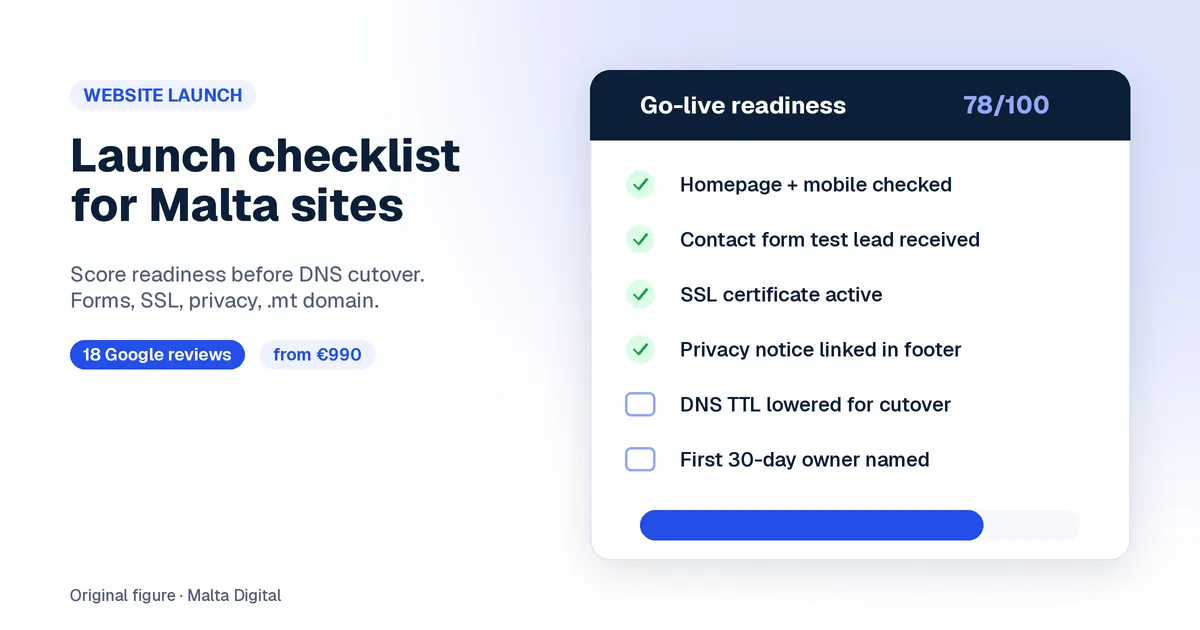
Go live without the usual misses.

Move without losing your positions.
A useful first step
Professional Website from €990, Business Website from €2,490 and Growth Website from €4,900. Send us your current address and we reply with what is stopping it and what we would do.
Step 1 of 2
A few quick questions, about a minute. We usually reply within 2–3 hours.