CRM for Accountants in Malta: Clients, Deadlines, Documents
How accounting firms in Malta use a CRM for enquiries, onboarding and due diligence, deadlines and document chasing, plus a free deadline and chasing planner.
Systems & AI · Accounting firms
Malta Digital builds AI automation in Malta for firms that drown in paperwork, and accounting practices are top of that list. AI can read receipts, suggest codes, draft client emails and chase missing papers. It cannot sign accounts or judge a client’s risk. This guide shows where AI fits in a practice, the rules that apply, a worked example and a free planner.
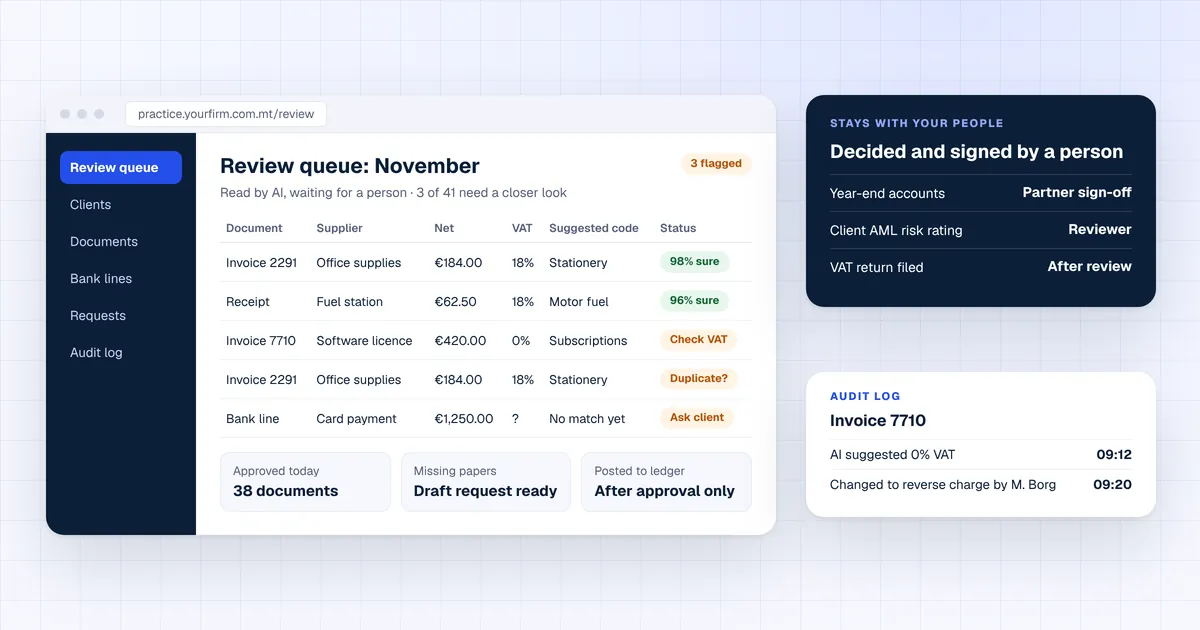
AI helps an accounting practice by reading documents, suggesting ledger and VAT codes, matching bank lines and drafting client emails. A person still reviews, decides and signs. In Malta only 1.9% of firms with 10 or more staff used AI for accounting or finance in 2025, against 4.6% across the EU (Eurostat). Malta Digital builds AI review queues and client portals that connect to the software your practice already uses, from €7,500.
The short version
Most practice time goes on work that repeats every month: typing documents in and chasing what is missing. That is the part AI is good at.
Receipts, invoices and statements become fields: supplier, date, net, VAT and total.
It proposes the ledger account and VAT code, with a confidence level for each line.
It pairs bank lines with invoices and flags the ones that do not match.
Polite requests for missing papers, written for a person to check and send.
Duplicates, unusual amounts or a VAT rate that does not fit the supplier.
Client emails are tagged by client and job, so nothing sits unread.
The rule we build around is simple. AI prepares the work. A qualified person reviews it, decides and signs. Nothing is posted, filed or sent to a client until someone approves it.
Malta data
Eurostat’s 2025 survey shows that 21.5% of enterprises in Malta with 10 or more staff used at least one AI technology. That is above the EU average of 20.0%. But only 1.9% used AI for accounting, controlling or finance, against 4.6% in the EU.

So Maltese firms already use AI for other jobs. For example, 6.3% used AI to generate text or speech in 2025. Finance work has hardly started, which leaves a head start for the practices that move first.
Keep it human
A good setup splits the work in two. The split matters more than the tool you pick.
AML stays with you. External accountants and auditors are subject persons under S.L. 373.01, Malta’s anti-money laundering regulations. Regulation 13 asks you to keep customer due diligence (CDD) and transaction records for five years. AI can gather and sort the documents. The risk decision, and the record of who made it, stays with a person.
Apply now and tell us how many clients you look after, which software they use and where the hours go. We reply with what we would build first.
Free tool
Put in your clients, documents and emails. The planner works out the hours an AI review queue could give back each month, what that time is worth and how fast a system pays back. Nothing you type leaves this page.
Starting numbers match the worked example below. Replace them with yours.
Your result appears here as you type.
The rules
A few clear rules apply, and each one becomes a setting in the system.
| Rule | What it says | What the system does |
|---|---|---|
| EU AI Act, Article 4 (since 2 February 2025) | Firms that use AI must take steps so staff who use it understand it well enough for the job | Gives each role a short guide and limits which staff can approve AI work |
| EU AI Act, Article 50 (since 2 August 2026) | People must be told when they are talking to an AI system, at the latest at the first interaction | A client-facing assistant says it is AI in its first message and offers a person |
| GDPR, Articles 5 and 28 | Use only the personal data you need, and have a contract with any processor | Sends only the fields needed, and runs on a provider with a signed data processing agreement |
| S.L. 373.01, regulation 13 | Keep CDD and transaction records for five years | Keeps the document, the AI suggestion, the reviewer and the final decision on one record |
| Your professional duty of confidentiality | Client information stays confidential | Gives each client its own space, with access by role and an audit log |
Free chatbots and client files do not mix. Before anyone pastes a client document into an AI tool, check whether the tool keeps or learns from what you type. Use business plans with a data processing agreement, and EU hosting where you can. Our guide to the EU AI Act for small businesses covers the wider rules.
The workflow
Here is how work moves through a practice with an AI review queue.
This is the same idea as our guide to AI document processing, applied to a whole practice rather than one document type.
Worked example
Here is an example practice, not a client. It looks after 120 clients who send about 25 documents each a month. These are the planner’s starting numbers, so you can change them to your own.
| Item | Today | With an AI review queue | Difference |
|---|---|---|---|
| Documents a month | 3,000 typed by hand, 2 minutes each | 70% read by AI and checked in 30 seconds; 30% typed as today | about 53 hours a month |
| Client emails | 40 a week, 6 minutes each | Half drafted by AI and checked in 2 minutes | about 6 hours a month |
| Value of time at €25 an hour | About 100 hours of typing | About 48 hours of typing and checks | about €1,460 a month |
| After €150 a month of AI and tool costs | No system | A €7,500 system | about €1,310 a month, paid back in about 6 months |
The biggest saving is not the AI reading documents. It is people no longer typing the easy ones, so their time goes on the 30% that need a professional eye.
Your options
Many packages now read receipts and suggest codes. Quick to switch on.
Best for: Practices whose clients all use the same package.
Good at one job, such as receipts or bank coding, for a monthly fee per client or document.
Best for: Practices with one clear bottleneck.
A client portal, an AI review queue and your CRM, connected to the packages you keep. You own the code.
Best for: Practices with mixed client software, AML records to keep and many emails to chase.
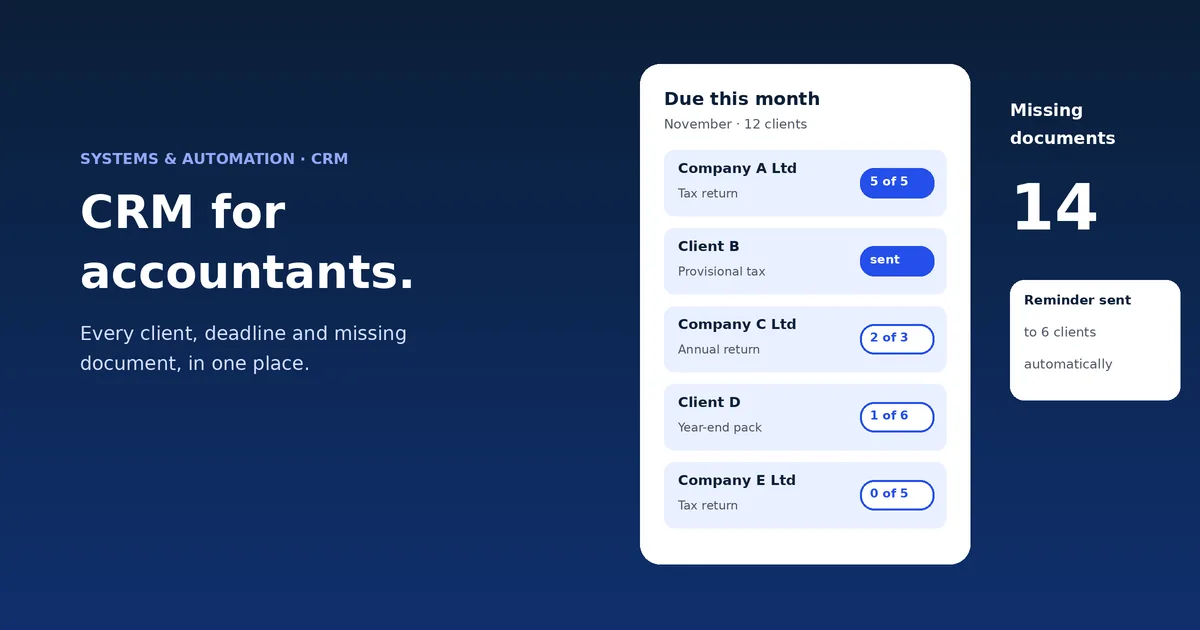
If chasing clients before deadlines is the bigger problem, start with our guide to a CRM for accountants. To compare running costs, read custom software vs off the shelf.
Proof
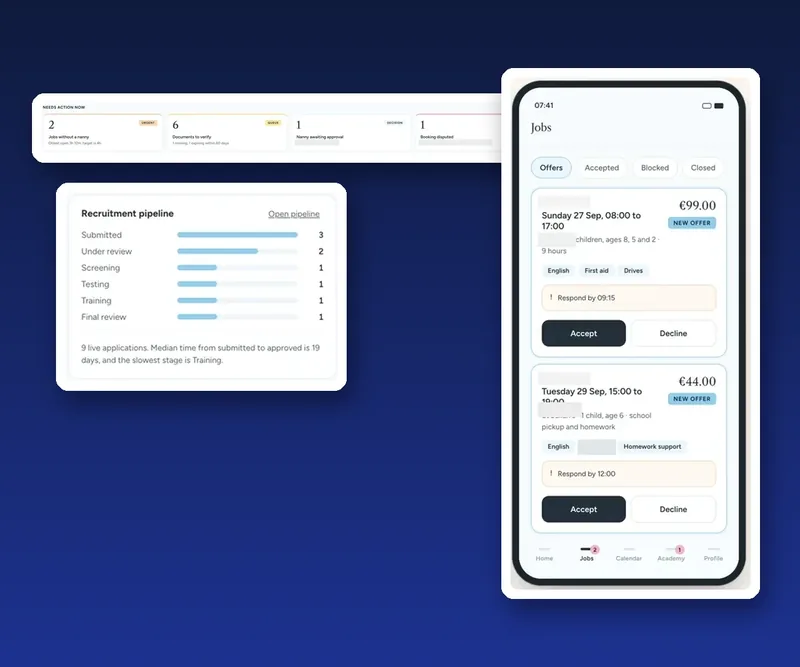
For a childcare agency we built a platform whose office screen opens with “needs action now”: documents to verify, documents about to expire and approvals waiting. Every change is saved in an audit log. An accounting practice needs the same shape: the AI does the sorting, the queue shows what needs a professional, and the log shows who approved what. The case study shows what we built and how it works.
A few straight answers
It can do much of the preparation: reading receipts and invoices, suggesting ledger and VAT codes and matching bank lines. A person should still review each suggestion before anything is posted.
In Eurostat’s 2025 survey, 1.9% of enterprises in Malta with 10 or more staff used AI for accounting, controlling or finance. The EU average was 4.6%.
AI can collect, read and sort CDD documents. The risk assessment and the decision stay with a person. S.L. 373.01 asks you to keep these records for five years.
Yes, if staff use AI. Article 4 asks firms to support AI literacy for staff who use it, and Article 50 asks client-facing AI assistants to say they are AI.
Only with a business plan that does not learn from your data, a data processing agreement and the least data needed. Free consumer chatbots are not the place for client files.
No. It removes typing and chasing. Judgement, advice, sign-off and the client relationship stay with qualified people, and those are what clients pay for.
Malta Digital builds custom systems from €7,500. The price depends on your clients, the software you connect and the documents involved, with a written quote first.
Eurostat isoc_eb_ai: artificial intelligence use by enterprises, 2023 to 2025 · AI Act Service Desk: Article 4, AI literacy · AI Act Service Desk: when does enforcement start? · European Commission: guidelines on the Article 50 transparency obligations · Laws of Malta: S.L. 373.01, Prevention of Money Laundering and Funding of Terrorism Regulations, regulation 13 · FIAU: Implementing Procedures Part II for accountants and auditors · GDPR, Regulation (EU) 2016/679 (EUR-Lex)
Keep reading
How accounting firms in Malta use a CRM for enquiries, onboarding and due diligence, deadlines and document chasing, plus a free deadline and chasing planner.
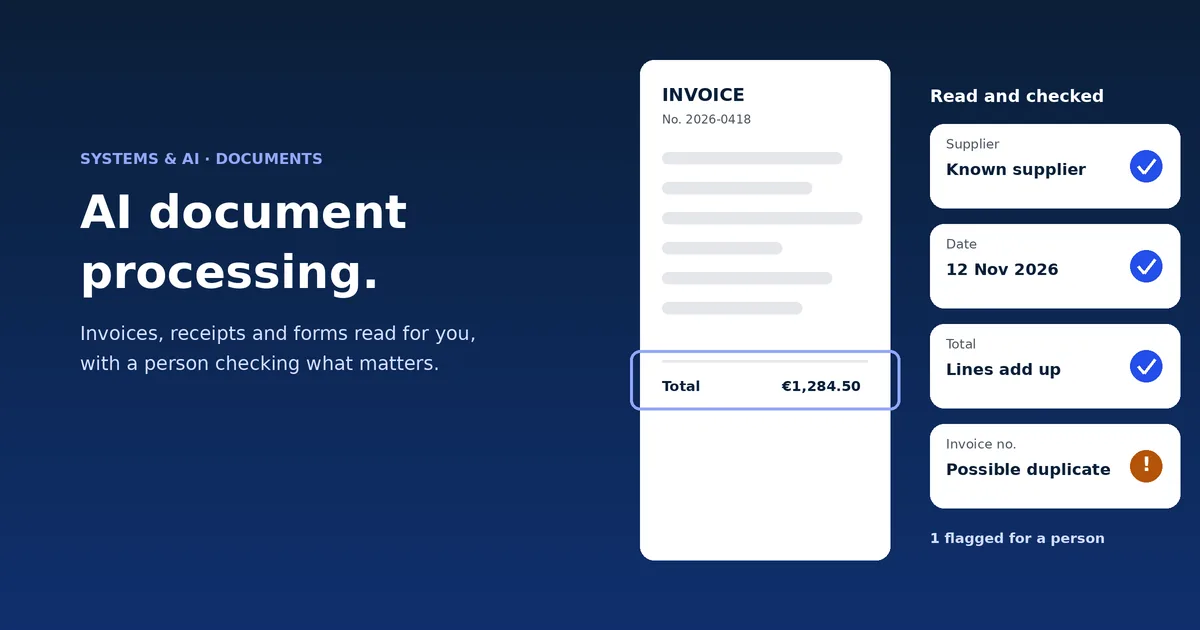
How AI reads invoices, receipts, forms and ID documents for Malta businesses, what still needs a person, the GDPR rules, and a free time and payback calculator.
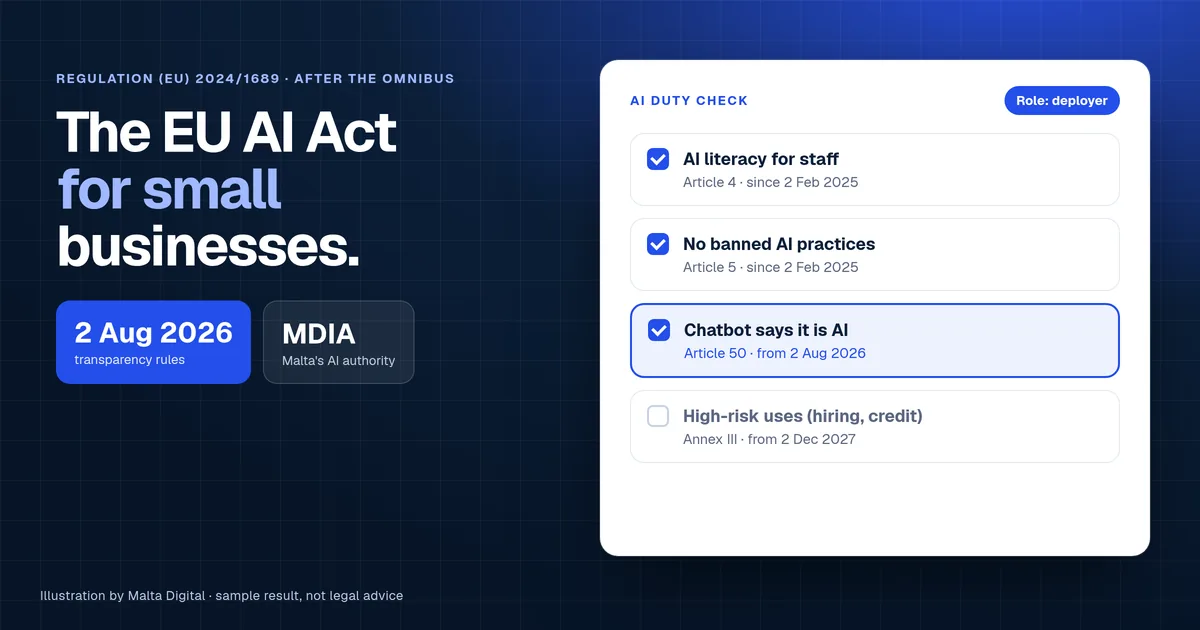
What the EU AI Act means for small businesses in Malta: your role, the dates after the Digital Omnibus, fines, who enforces it and a free duty checker.
A useful first step
Tell us how many clients you look after, which accounting software they use and which tasks take the most hours. We reply with what we would build first and what a system that fits would cost.
Step 1 of 3
A few quick questions, about a minute. We usually reply within 2–3 hours.