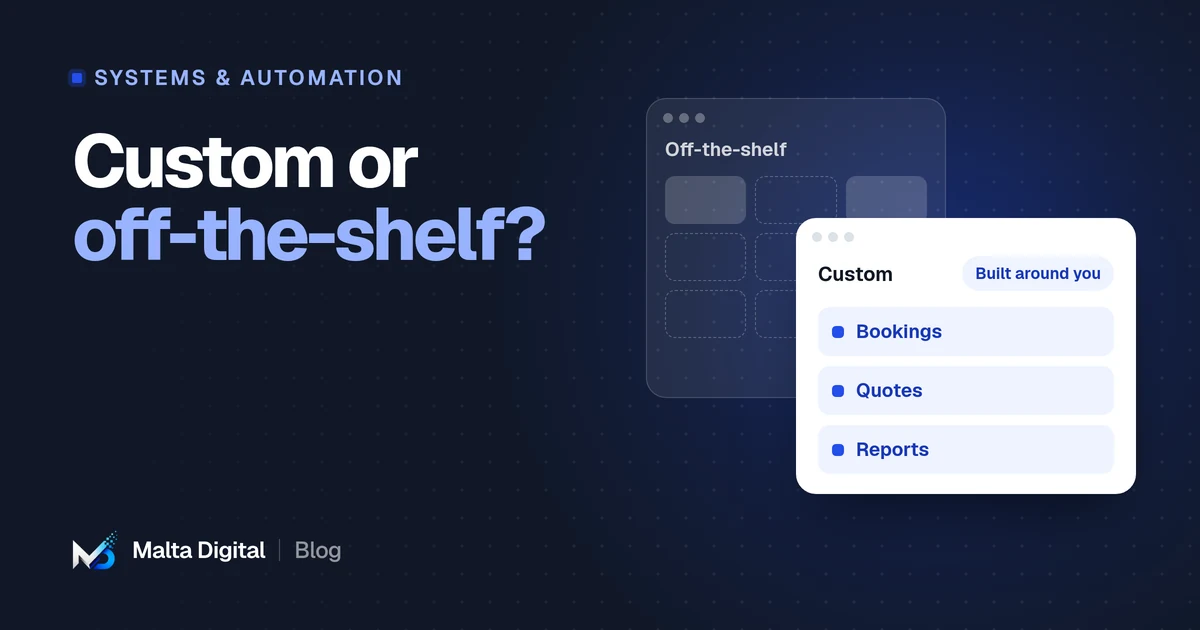
Off-the-shelf
Software built for many businesses.
You pay a subscription or licence and adapt your process to how the tool works. Examples include accounting packages, ready-made CRMs and booking apps.
Systems & automation · Decision guide
Choose off-the-shelf software when your process is fairly standard and a good tool already exists, because it is quicker and cheaper to start. Choose custom software when your process is what makes you different, when you are paying for many tools that do not talk to each other, or when per-user fees keep growing. Many businesses end up with a mix: ready-made tools, connected by a small custom system.
By Malta Digital · Published · Updated · 5 min read
In this article
The difference
Off-the-shelf
You pay a subscription or licence and adapt your process to how the tool works. Examples include accounting packages, ready-made CRMs and booking apps.
Custom
Designed around your process, your data and your other tools. You pay for the build, then for hosting and support.
Neither is better in general. The right choice depends on how standard your process is, how many people use it, and how much it matters to your business.
When ready-made wins
In these cases, building custom software is usually a waste of money. Use the good tools that exist, and spend your budget elsewhere.
When custom wins
If several of these apply, a custom system can save time every day and remove errors that cost money.
Cost
Compare the cost over three to five years, not just the first invoice.
Monthly or yearly fees per user, add-ons, extra integrations, and the staff time spent working around the tool’s limits.
The build cost, then hosting, maintenance and improvements. No per-user fees, and the system can grow with you.
Moving data out of a tool that no longer fits, retraining staff and running two systems for a while.
Our custom business systems start from €7,500 for one important part of a business. Wider digitalisation projects start from €15,000, advanced systems from €20,000 and complete growth and automation systems from €50,000. All prices exclude VAT.
Ownership and risk
With off-the-shelf tools you rent access. With custom software, agree in writing who owns the code and the data.
A tool can raise prices, change features or close. A custom supplier can disappear too, so ask for the code and documentation.
Check that you can export your data in a usable format, whatever you choose.
Ready-made tools handle updates for you. A custom system needs a support plan that covers security updates.
The middle ground
You do not always have to choose. Many businesses keep the tools that work, such as accounting or email, and add a small custom system that connects them and handles the part no tool does well.
Write down every tool and spreadsheet in use, and what each is for.
Mark where people copy data by hand or where information gets lost.
Do not replace a tool just because you are building something new.
Connect the tools and build only the part that is specific to you.
A good project
Time with the people who will use the system, mapping the current process and what goes wrong.
A written description of what the system does, screen by screen, agreed before building.
The most important part first, used by real staff early, then improved.
Training, a planned switch from the old way, and an agreed support plan afterwards.
Be cautious of anyone who quotes a fixed price for a large system after one short call. Good estimates come from understanding the work.
How to decide
Write the answers down before talking to any supplier. It makes quotes comparable and avoids paying for features you do not need.
Common mistakes
Most of these are about decisions, not code. A clear owner, a clear first stage and real users involved early prevent most of them.
Funding in Malta
Larger software projects may qualify for Digitalise your SME, which supports digital solutions with grants from €25,000 to €120,000 before the 7% flat rate. Micro Invest names development and customisation of software systems as eligible costs, as a tax credit. In both cases, eligibility is decided by the funding body, and the timing rules matter.
A few straight answers
Upfront, yes. Over several years it can cost less, especially when per-user fees, add-ons and staff time spent on workarounds are included.
It depends on scope. A focused system for one part of a business takes weeks to a few months. Wider projects take longer and are usually delivered in stages.
It depends on the contract. Agree in writing that your business owns the code and data, or has full rights to use and move them.
Usually, yes, if those tools offer a way to connect, such as an API. This is often the main reason to build.
Our custom business systems start from €7,500, excluding VAT. Wider projects start from €15,000. We confirm the price after scoping.
Keep reading
What a CRM does, the signs you need one, ready-made vs custom, and GDPR basics in Malta.
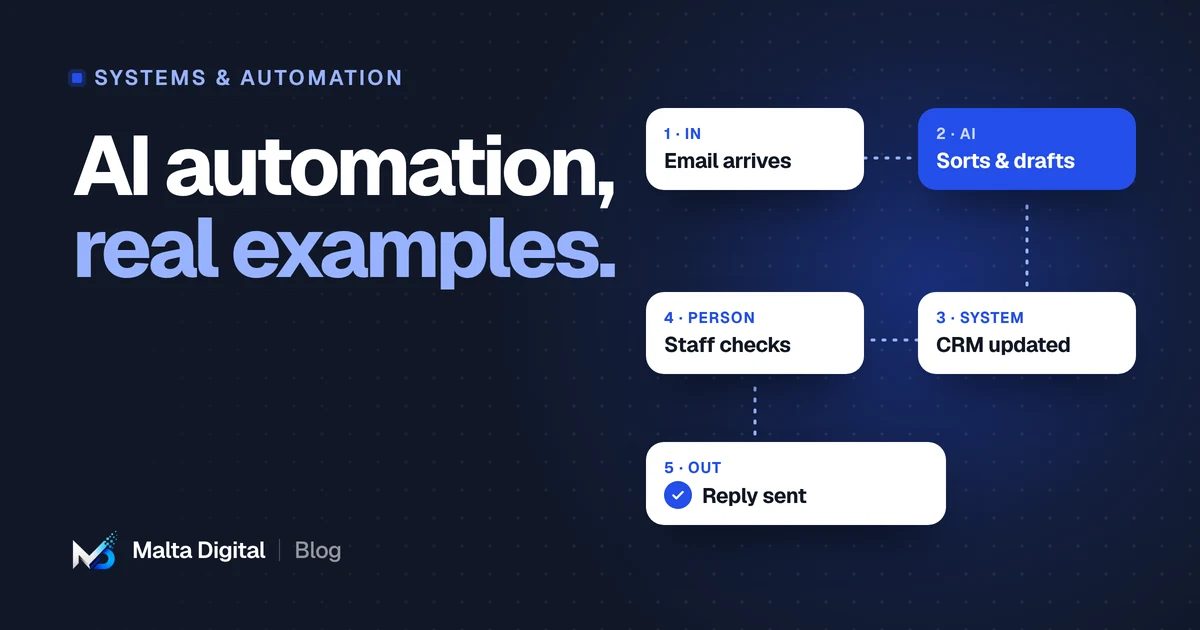
Twelve practical examples, where AI helps and where it does not, and the rules to follow.
Features that matter, deposits and reminders, client records and privacy, ready-made vs custom.
A practical first step
Describe the job, the people involved and the tools you use now. We’ll tell you whether ready-made software will do, or whether a custom system makes sense.