Features in tools you have
Often the quickest start.
Many email, CRM and accounting tools now include AI features. Try them before building anything.
Systems & automation · AI
AI automation is most useful for small businesses on repetitive work with words and documents: sorting enquiries, drafting replies and quotes, pulling data from invoices, summarising calls and preparing reports. It works best inside a clear process, with a person checking anything that goes to a customer. Start with one task that eats hours every week.
By Malta Digital · Published · Updated · 4 min read
In this article
What it means
Ordinary automation follows fixed rules: when a form is sent, add the person to the CRM and send a confirmation. AI adds the ability to read and write, so it can handle messy inputs like emails, PDFs, voice notes and free-text questions.
The useful approach combines both. Rules move information between systems reliably. AI handles the parts that need reading, sorting or drafting. A person approves what matters.
Enquiries
Read incoming emails and forms, tag them by service and urgency, and route them to the right person.
Prepare a first reply using your prices, policies and past answers, for staff to check and send.
Answer common questions from your own information, and hand over to a person when it cannot help.
Understand and reply to enquiries in other languages, useful for tourism businesses.
Documents
Pull supplier, date, amounts and VAT from invoices and receipts into your accounts or spreadsheet.
Turn notes from a site visit or call into a structured quote using your price list.
Produce a short summary and action list, saved against the customer record.
Spot missing information in applications or orders before someone processes them.
Sales and reporting
Draft personalised follow-ups for quotes that have not been answered, for staff to approve.
Draft replies to Google reviews in your tone.
Combine figures from ads, website, CRM and sales into a plain-language summary.
Let staff ask questions about your procedures and get answers from your own documents.
Where it fails
AI can produce confident answers that are wrong. Design every automation so mistakes are caught before they reach a customer.
One example
An illustration of how several automations can work together for a service business.
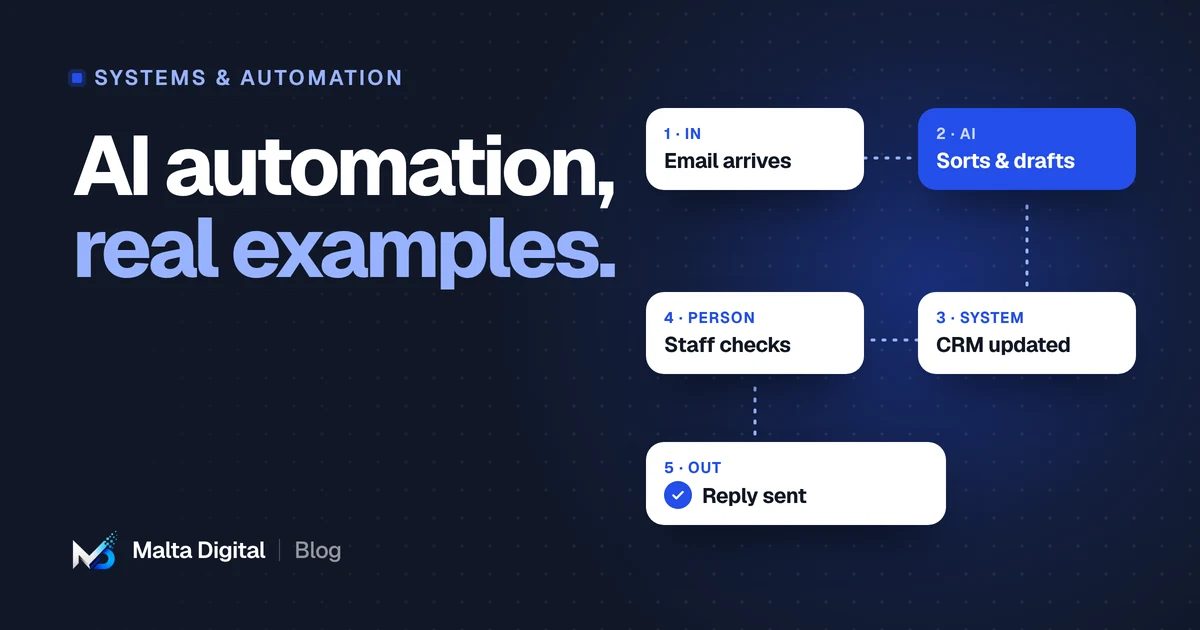
An email asks for a price. AI reads it, tags the service and urgency, and creates the contact in the CRM.
AI drafts a reply with your price range and next available dates. A staff member checks and sends it.
If there is no answer in three days, a follow-up is drafted for approval.
At the end of the week, a summary shows enquiries, replies and conversions by service.
Each step is small. Together they remove hours of typing and make sure no enquiry is forgotten.
Getting started
Choose a repetitive task that takes hours every week and follows a clear pattern.
Write down the steps, the inputs, the systems involved and who checks the result.
Run it alongside the current way for a few weeks and compare time and errors.
Keep a person in the loop, measure the time saved, then pick the next task.
Tools
Features in tools you have
Many email, CRM and accounting tools now include AI features. Try them before building anything.
Custom automation
A custom system joins your tools, applies your rules and uses AI where it adds value, with proper checks and logging.
Whichever you choose, keep a record of what was automated, what the AI produced and who approved it. It makes problems easy to trace.
Measuring
Measure before you start, so the result is a comparison rather than a feeling.
If staff correct most of what the AI produces, the task may not suit automation yet. Fix the process or the instructions, or choose a different task.
Rules
Under the EU AI Act, people should be told when they are interacting with an AI system, such as a chat assistant. This transparency duty applies from 2 August 2026.
EU data protection rules still apply. Check what data goes to which provider, and where it is processed.
Keep a person responsible for decisions and for anything sent to customers.
Funding
Digitalise your SME supports digital solutions, with additional support for projects involving artificial intelligence. Grants start from €25,000, so the scheme suits larger projects rather than a single tool. Gozo businesses receive a higher rate. Work must not start before the grant agreement is signed.
A few straight answers
Sorting enquiries, drafting replies and quotes, reading invoices, summarising calls, drafting review replies and preparing weekly reports.
It depends on scope. A single automation can be modest. Connected systems with AI cost more. Our custom systems start from €7,500, excluding VAT.
For most small businesses, it removes repetitive work so staff can spend time on customers and decisions. People still check and approve.
Under the EU AI Act, people should be informed when they interact with an AI system such as a chat assistant. This applies from 2 August 2026.
Digitalise your SME includes additional support for AI-related projects. Grants start from €25,000, and eligibility is decided by the funding body.
Keep reading
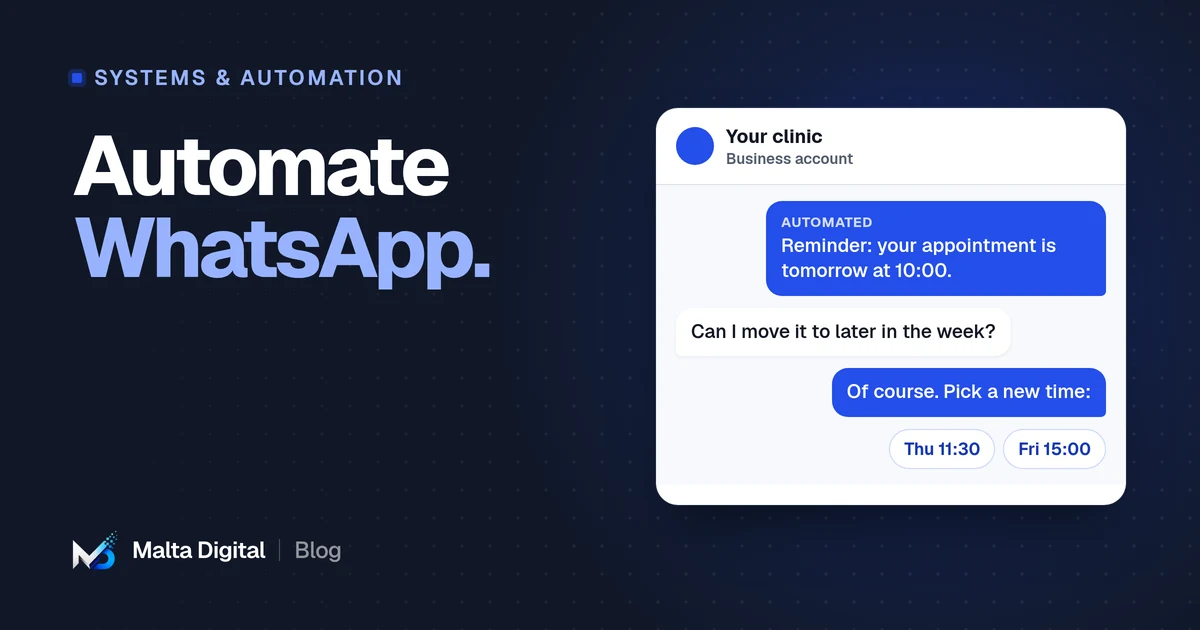
The free app, the WhatsApp Business Platform, templates, opt-in and connecting to your CRM.
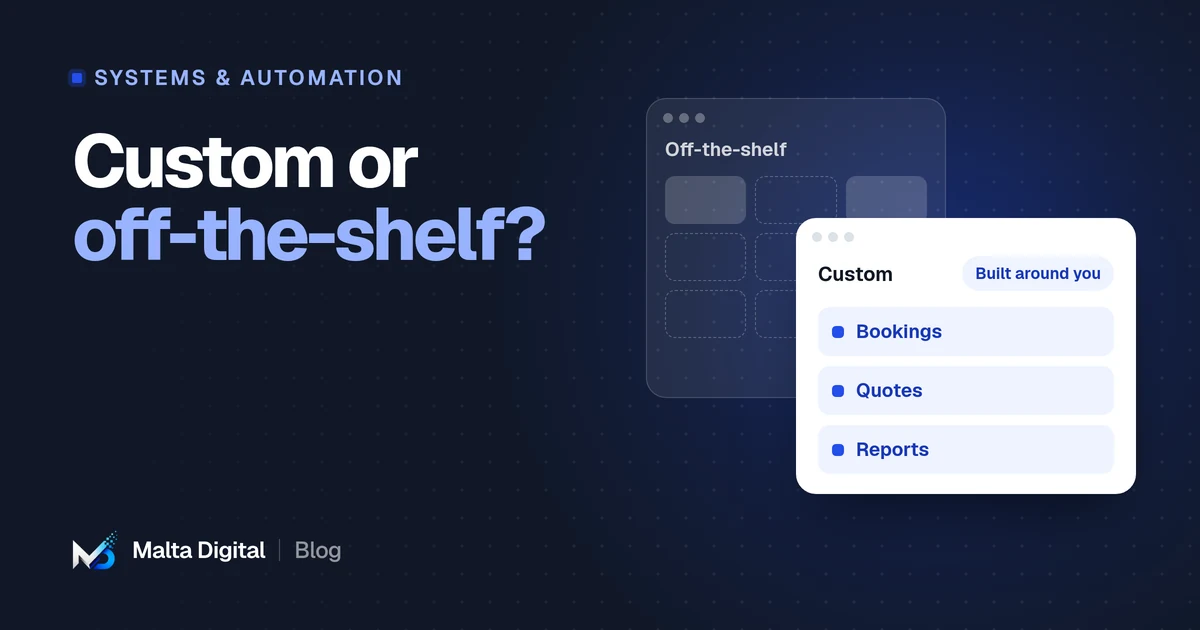
How to compare cost, fit, risk and ownership, and when a mix of both makes most sense.
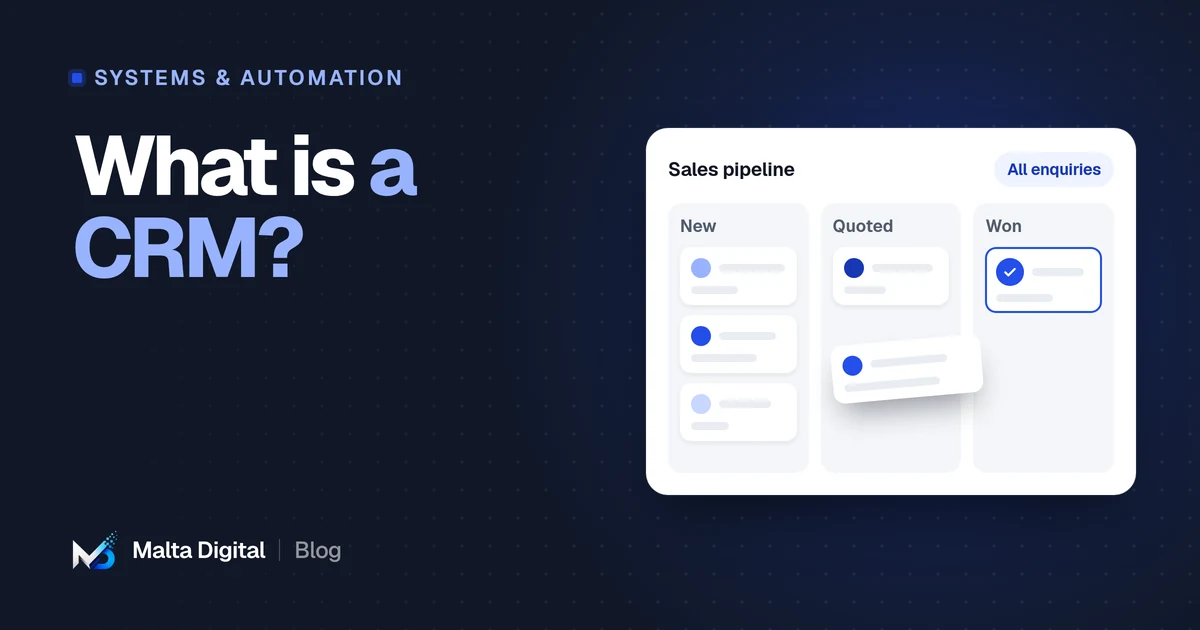
What a CRM does, the signs you need one, ready-made vs custom, and GDPR basics in Malta.
A practical first step
Tell us which tasks eat your team’s week. We’ll suggest what to automate first, and what to leave alone.