WhatsApp Business app
Free, on one phone number.
Business profile, catalogue, labels, greeting and away messages, and quick replies. Good for a small team answering by hand.
Systems & automation · WhatsApp
You can automate basic WhatsApp messages with the free WhatsApp Business app, using greeting messages, away messages and quick replies. For booking reminders, order updates, chatbots or connections to your CRM, you need the WhatsApp Business Platform, accessed through Meta directly or a provider. Business-initiated messages must use approved templates and go to people who agreed to hear from you.
By Malta Digital · Published · Updated · 5 min read
In this article
Two options
WhatsApp Business app
Business profile, catalogue, labels, greeting and away messages, and quick replies. Good for a small team answering by hand.
WhatsApp Business Platform
Connects WhatsApp to your website, CRM or booking system. Supports automated messages, chatbots and several staff. Meta charges for some message types.
Most small businesses start with the app. Move to the Business Platform when messages need to be sent by a system, not a person, or when several people share the same number.
The free app
Sent automatically when someone messages you for the first time, or after a long gap.
Sent outside your opening hours, so people know when to expect a reply.
Saved answers to common questions, inserted with a shortcut.
Tag chats as new, quoted, paid or follow up, so nothing is forgotten.
Show products or services with prices inside WhatsApp.
This covers a lot for a small business. The limit is that a person still has to read and reply to every message.
The Business Platform
Templates and opt-in
The Business Platform has rules designed to stop spam. Following them keeps your number in good standing.
Only message people who agreed to receive WhatsApp messages from you. Record when and how they agreed.
Messages you start, such as reminders or updates, must use templates approved by Meta.
When a customer messages you, you can reply freely for 24 hours. After that, you need a template.
If people block or report your messages, your number can be limited. Send only useful messages.
Use cases
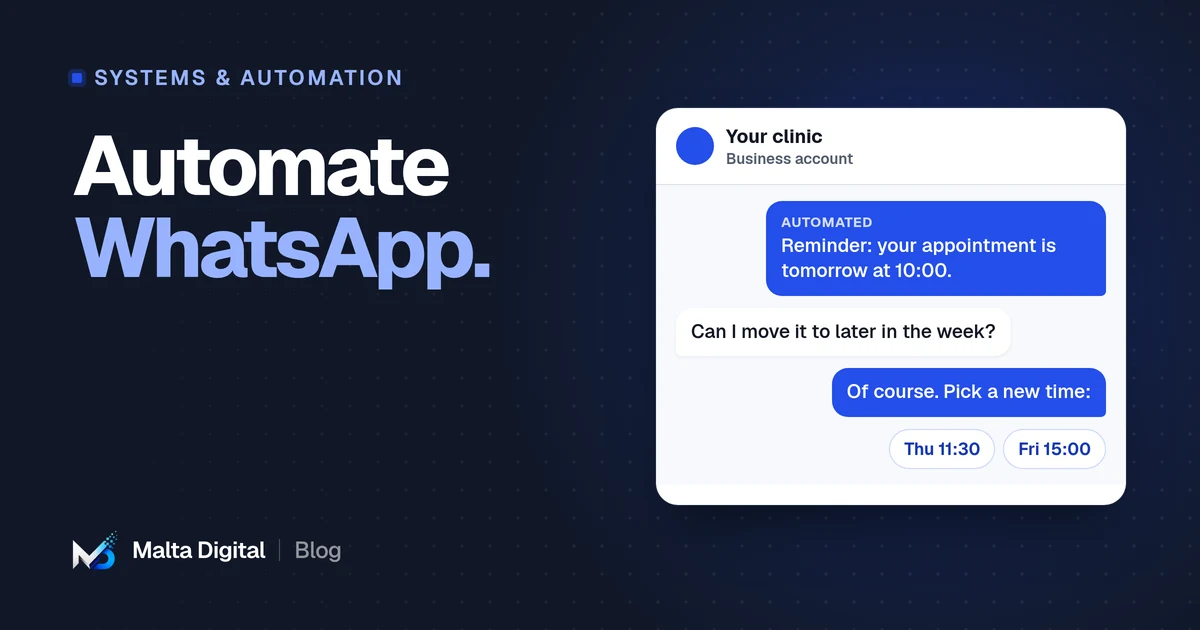
Booking confirmations, reminders the day before, and easy rescheduling.
Reservation confirmations and answers to common questions about menus, parking and groups.
Order confirmations, delivery updates and basket reminders for customers who opted in.
Instant acknowledgement of enquiries, collecting details, then handing to the right person.
Example flow
An illustration of a simple automated flow for a clinic or salon.
The booking system sends a WhatsApp confirmation using an approved template.
A reminder goes out with the time, address and buttons to confirm or reschedule.
A reply opens the 24-hour window. Simple requests are handled automatically, others go to staff.
A thank-you message with a rebooking link, for clients who agreed to it.
Ads to WhatsApp
Facebook and Instagram ads can open a WhatsApp conversation instead of a website. In Malta, where many people prefer to message, this can bring more enquiries than a form.
Set the first message, such as a question about prices or availability, so people only tap send.
An automated greeting confirms you received it, then a person or chatbot follows up.
Count conversations that turn into bookings or sales, not just chats started.
Run these ads when someone can reply, or set clear expectations outside hours.
Connecting a CRM
WhatsApp is where many conversations in Malta happen, but chats on staff phones are easy to lose. Connecting WhatsApp to a CRM means each conversation is linked to the customer, visible to the team, and part of the follow-up process.
Use Meta’s Cloud API directly or a provider that offers the Business Platform.
Verify your business in Meta’s business tools and register the phone number.
Link incoming and outgoing messages to customer records, with rules for assigning chats.
Write and submit templates for reminders, confirmations and follow-ups.
What to avoid
Measuring
Check these before and after the change, so you know what the automation actually improved.
Privacy and cost
WhatsApp messages contain personal data, so EU data protection rules apply. Tell customers how you use their details, keep consent records and limit who can see conversations. Malta’s regulator is the IDPC.
Costs come in three parts: Meta’s charges for certain message types, any provider’s fee, and the setup or system that connects it all. Check Meta’s current pricing for your country before planning large reminder volumes.
A few straight answers
Partly. The free WhatsApp Business app offers greeting and away messages, quick replies and labels. Full automation needs the WhatsApp Business Platform.
It is the older name for what Meta now calls the WhatsApp Business Platform. It lets systems send and receive WhatsApp messages for a business.
Yes, through the Business Platform, using approved templates sent to customers who agreed to receive them.
Use official options only: the Business app features or the Business Platform. Unofficial tools that automate the normal app can get your number banned.
Yes. Through the Business Platform, conversations can be linked to customer records, assigned to staff and used in follow-ups.
Keep reading
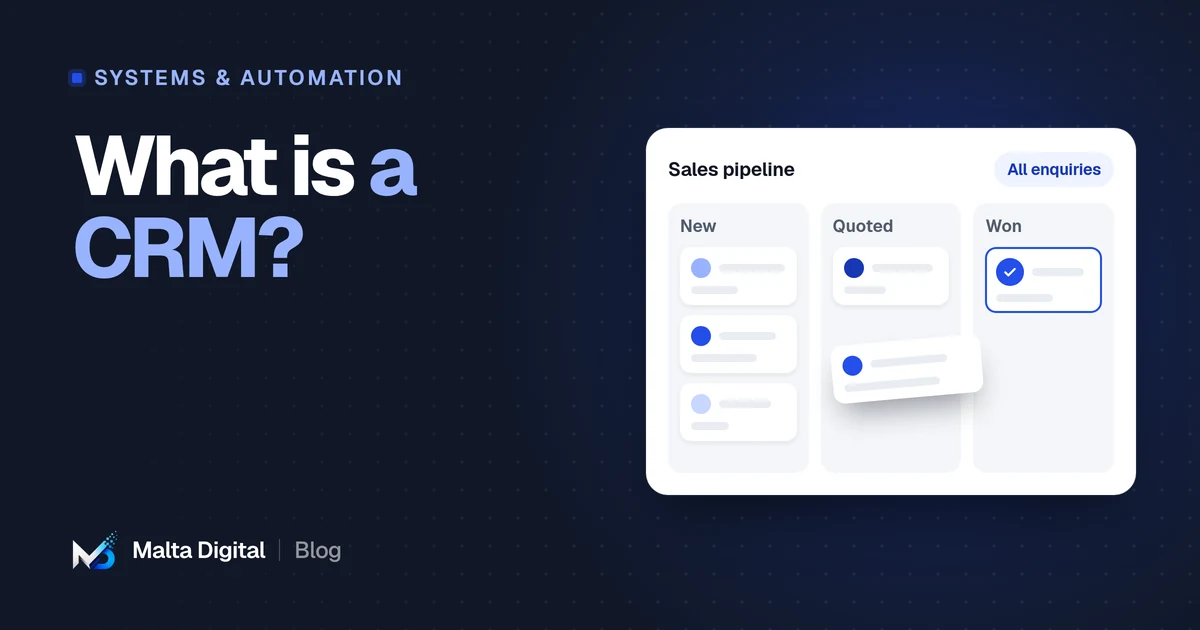
What a CRM does, the signs you need one, ready-made vs custom, and GDPR basics in Malta.
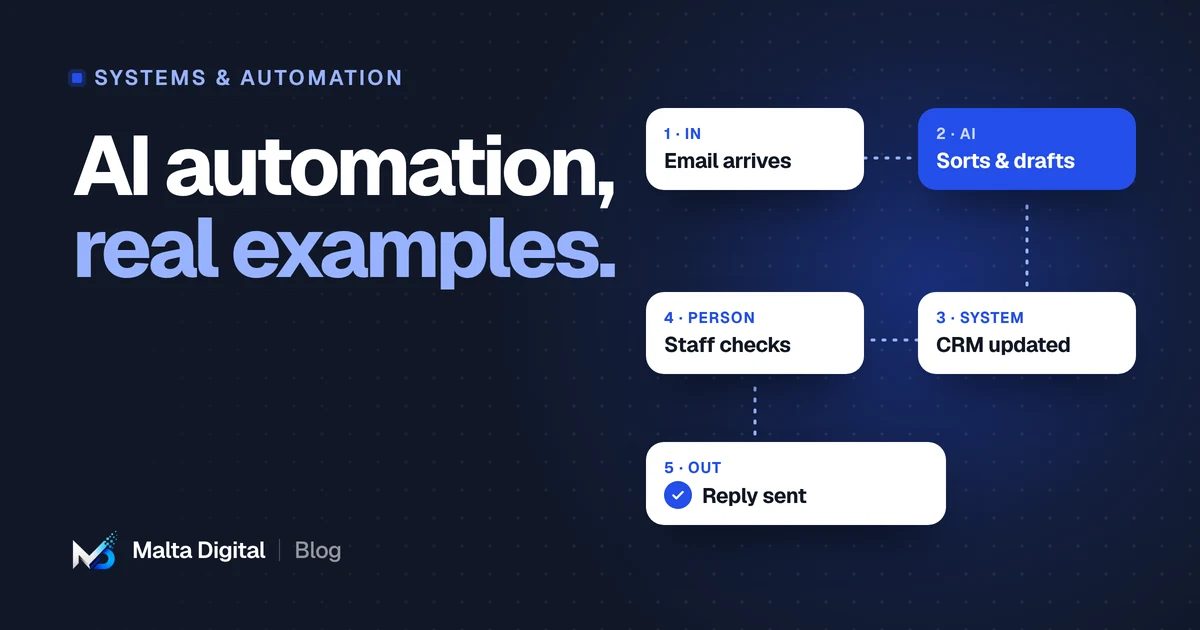
Twelve practical examples, where AI helps and where it does not, and the rules to follow.
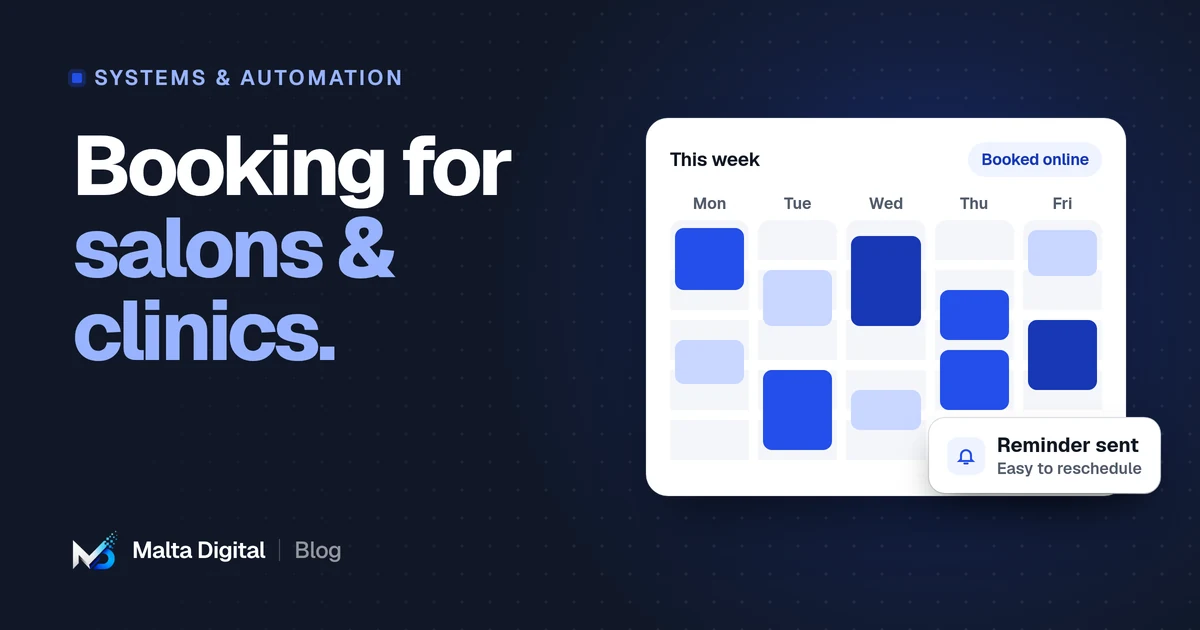
Features that matter, deposits and reminders, client records and privacy, ready-made vs custom.
A practical first step
Tell us how customers message you today. We’ll suggest the simplest setup that works.