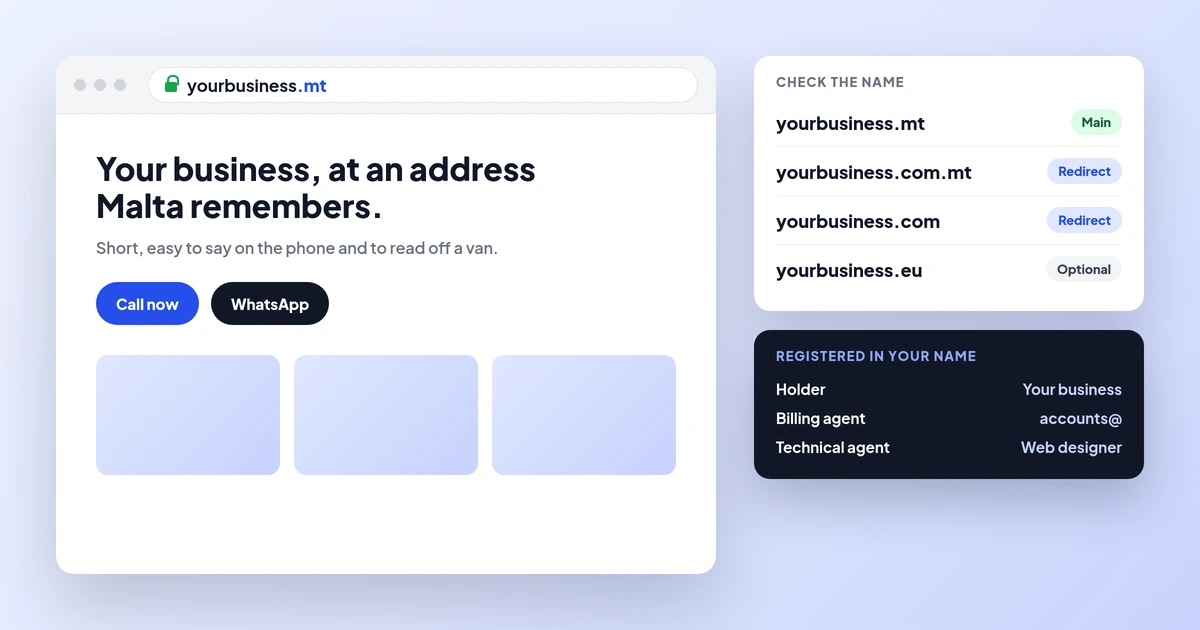
.mt, .com.mt or .com? Registering a domain in Malta
Which ending to choose and how to keep it in your name.
Websites · Email
Most enquiries from your website end in an email conversation. This guide shows how to get an address on your own domain, which four DNS records make it trustworthy, what Gmail, Yahoo and Malta law expect, and how to switch without losing a message.
Get a business email address by signing up with an email provider (Google Workspace, Microsoft 365, Zoho Mail or your web host), adding its MX record to your domain, then adding one SPF record, DKIM and a DMARC record. Gmail and Yahoo have required SPF or DKIM from every sender since February 2024. Malta Digital sets this up in your name with every website; see web design in Malta.
The short version
A business email address is an address on your own domain, such as info@yourbusiness.com.mt, instead of a free Gmail or Hotmail address. It costs a few euro per mailbox each month. It tells a customer that the business is real, it stays yours when staff leave, and it is much easier to set up so that your replies land in the inbox and not in spam.
Many small businesses in Malta still use a free address. In October 2026 we reviewed the public contact details of 70 Malta small businesses, mostly salons, restaurants, car hire firms and clinics. 57 of them (81%) showed a free address. Only 13 (19%) used their own domain.
This guide shows how to choose a provider, which four DNS records make email trustworthy, what Gmail and Yahoo now require, what Malta law says about marketing emails, and how to switch without losing a single enquiry. If you are planning a new site at the same time, our web design in Malta page shows how we set up the domain, website and email in your business name.
The numbers
Email is not old news in Malta. Eurostat’s survey of internet use (dataset isoc_ci_ac_i) shows that 86.0% of people aged 16 to 74 in Malta sent or received email in the three months before the 2025 survey. That is up from 69.1% in 2019, and above the EU average of 81.6%.
So when a customer fills in your website form, asks for a quote or books a table, the reply usually arrives by email. That reply competes with dozens of other messages. A sender name and address they recognise, from a domain that passes the checks below, is what gets it opened.
Your options
There are four common routes. Each one gives you addresses like name@yourbusiness.mt. They differ in what else you get, how much admin they need and where your mail is stored.
| Option | What you get | Best for | Watch out for |
|---|---|---|---|
| Google Workspace | Gmail on your domain, calendar, Drive, Meet, admin console | Teams who already like Gmail and Google Docs | Billed per user per month; each extra address that needs its own login is another user |
| Microsoft 365 (business plans) | Outlook and Exchange mail, Teams, OneDrive; Office apps on some plans | Offices that live in Word, Excel and Outlook | Plans differ a lot; check which ones include desktop Office apps |
| Zoho Mail | Mail-focused service with webmail and apps; an EU data centre is offered | Small teams who want email without a full office suite | Use the record values for your data centre (EU uses .eu endings) |
| Mailboxes from your web host | IMAP email bundled with hosting | Very small teams on a tight budget | Mail and website share one server; ask about spam filtering, storage and DKIM |
Prices change often and depend on the plan, so check each provider’s own price page on the day you decide. Count users carefully. A shared address such as info@ or bookings@ often does not need its own paid licence: most providers let you set it up as an alias or a shared mailbox that several people read.
Whichever you choose, open the account in the business’s name, with an admin login the owner controls. NIC(Malta), the .mt registry, only registers domains; it does not provide email. Our .mt domain guide explains how to keep the domain itself in your name.
Want the domain, website and email set up in your name? Apply now for a website
How it works
Your domain has a public settings list called DNS. Four entries in it decide whether your email arrives and whether other people trust it. You add them once, at the company that hosts your DNS, which is usually where you bought the domain.
Here are the values the three big providers publish. Always copy the final values from your own admin console, because they can change.
| Record | Google Workspace | Microsoft 365 | Zoho Mail (EU) |
|---|---|---|---|
| MX (where mail goes) | smtp.google.com, priority 1 | Value shown in your admin centre, priority 0 (the highest) | mx.zoho.eu 10, mx2.zoho.eu 20, mx3.zoho.eu 50 |
| SPF (TXT at @) | v=spf1 include:_spf.google.com ~all | v=spf1 include:spf.protection.outlook.com -all | v=spf1 include:zohomail.eu ~all |
| DKIM | TXT record generated in the Admin console | Two CNAME records, selector1 and selector2 | TXT record generated in the admin console |
| DMARC (TXT at _dmarc) | Same idea for every provider: start with v=DMARC1; p=none; rua=mailto:a mailbox you read |
Two mistakes cause most problems. The first is two SPF records. A domain may only have one, so if your website form or newsletter tool also sends as you, merge it into the same record. The second is old MX records left behind after a move. Google and Zoho both tell you to remove other MX records, and Microsoft says to delete them or give them a lower priority.
The 2024 rules
Since February 2024, Gmail and Yahoo have published firm rules for anyone who emails their users. These are the two mailboxes most of your customers are likely to use, so the rules apply to you even if you only send a few replies a day.
| Requirement | Every sender | Bulk senders (Gmail: 5,000+ messages a day) |
|---|---|---|
| Authentication | SPF or DKIM | SPF and DKIM, plus a DMARC record (p=none is accepted) |
| From address alignment | Recommended | The From: domain must match the SPF or DKIM domain |
| Spam complaint rate | Below 0.3% | Below 0.3%; Google advises staying under 0.1% |
| Unsubscribe | Easy opt-out recommended | One-click unsubscribe for marketing; Yahoo asks you to honour it within 2 days |
| Connection and format | TLS (Gmail), valid forward and reverse DNS, standard message format | The same |
A business that sends only normal replies needs SPF or DKIM at least. Google still recommends setting up all three, SPF, DKIM and DMARC, for every domain, and says unauthenticated messages may go to spam or be rejected. A free Gmail address used for a business cannot be set up this way for your own brand, because the domain belongs to Google.
Malta rules
Marketing emails need consent in writing. Regulation 9 of the Processing of Personal Data (Electronic Communications Sector) Regulations (S.L. 586.01) says you may not send direct marketing by email unless the person gave prior consent in writing. It applies to companies as well as individuals. There is one exception for your own customers. If you got their email in a sale, you may market your own similar products or services, as long as they could object easily when you collected it and in every message.
Say who you are. The same regulation bans marketing emails that hide the sender or give no valid address for a stop request. A real business address on your own domain, with your business details in the footer, does both jobs.
Your website form sends email too. When someone fills in a contact form, the website usually emails you the enquiry. Zoho’s help pages warn that some web hosts try to deliver this mail “locally” on the same server, so it never reaches your real inbox after you move email elsewhere. Test the form after every email change. Our website legal checklist covers the privacy notice that the form also needs.
| Check | Why it matters |
|---|---|
| Marketing list built from written consent or real past sales | S.L. 586.01 reg. 9(1) and 9(2) |
| Every marketing email has a working stop link and your business details | S.L. 586.01 reg. 9(2) and 9(4); Gmail and Yahoo unsubscribe rules |
| Website form sends through an authenticated service | Unauthenticated form mail is a common reason enquiries vanish |
| Shared addresses (info@, bookings@) owned by the business | Staff leave; the address and its history should stay |
Free tool
Type your domain, pick a provider and enter the price per mailbox from that provider’s own page. The planner lists the DNS records to add, in the right order, and adds up your cost over three years with the domain included.
Use your own figures. Nothing you type is sent anywhere.
Your result appears here as you type.
Worked examples
Example 1. A café has three people who each need a login, plus a shared bookings@ alias. At an example €6 per mailbox per month, email costs 3 × €6 × 36 = €648 over three years. A .com.mt domain registered directly with NIC(Malta) adds €20 + €10 + €10 = €40. The total is €688, or about €19 a month. The bookings@ alias adds nothing on most plans.
Example 2 (our own campaign figures). One of our lead campaigns brought in 478 leads at €9.68 each, €4,625.31 of ad spend over 12 weeks. Every one of those people expected a reply. That is about 48 people who never hear back, or roughly €463 of ad spend wasted, which is more than most small teams pay for business email in a year.
The lesson is simple. Business email is a small cost next to the enquiries it carries. Set it up properly once, then use our lead follow-up guide to reply to every enquiry within minutes.
Want every enquiry from your website to reach a real inbox? Apply now for a website
Step by step
How we help
When we build a website, the domain, hosting and email are opened in your business name, and you own the code. We add the MX, SPF, DKIM and DMARC records for the email provider you choose, connect the website form so enquiries reach a real inbox, and test it from Gmail and Outlook before launch. Email is billed by the provider you pick, and it is written into the scope before work starts.
| Package | Price | Fits |
|---|---|---|
| Professional Website | From €990 | A small business that needs up to five core pages |
| Business Website | From €2,490 | More pages, help with the words, a page per service |
| 24-Hour Premium Website | €2,990, up to 15 pages | A business that needs a professional site live tomorrow |
| Growth Website | From €4,900 | Sites built for ads, enquiry journeys and tracking |
| Custom system | From €7,500 | Booking, CRM or a customer portal built around how you work |
We have 18 Google reviews from real clients. To budget the whole site first, read our website cost guide for Malta or the hosting guide, or apply below and tell us what you need.
Ready for a website and email that work together? Apply now for a website
A few straight answers
It is an email address on your own domain, such as info@yourbusiness.com.mt, instead of a free Gmail or Hotmail address. It looks more trustworthy, stays with the business when staff leave, and can be set up with SPF, DKIM and DMARC so replies reach the inbox.
You pay the provider per mailbox per month, and the price depends on the plan, so check the provider’s own price page. Add the domain: NIC(Malta) charges €20 for the first year of a .mt or .com.mt and €10 a year after that when you register directly.
Pick the one your team already works in. Google Workspace suits teams who like Gmail and Google Docs. Microsoft 365 suits offices that use Outlook, Word and Excel. Zoho Mail suits small teams who only need email.
Gmail and Yahoo require every sender to have SPF or DKIM, and bulk senders to have SPF, DKIM and DMARC. Google recommends all three for every domain, so set them up even if you only send replies.
Yes, through Google Workspace, which puts Gmail on your domain. A free @gmail.com address cannot carry your brand or your own SPF, DKIM and DMARC records.
Not if you follow the order: create all mailboxes first, lower the TTL, change the MX records, remove the old ones, then test. Keep the old account until old mail has been moved and checked.
No. S.L. 586.01 regulation 9 requires prior consent in writing for direct marketing by email, for companies as well as individuals. The only exception is your own customers, for similar products, with an easy way to object in every message.
Sources
Keep reading
Which ending to choose and how to keep it in your name.
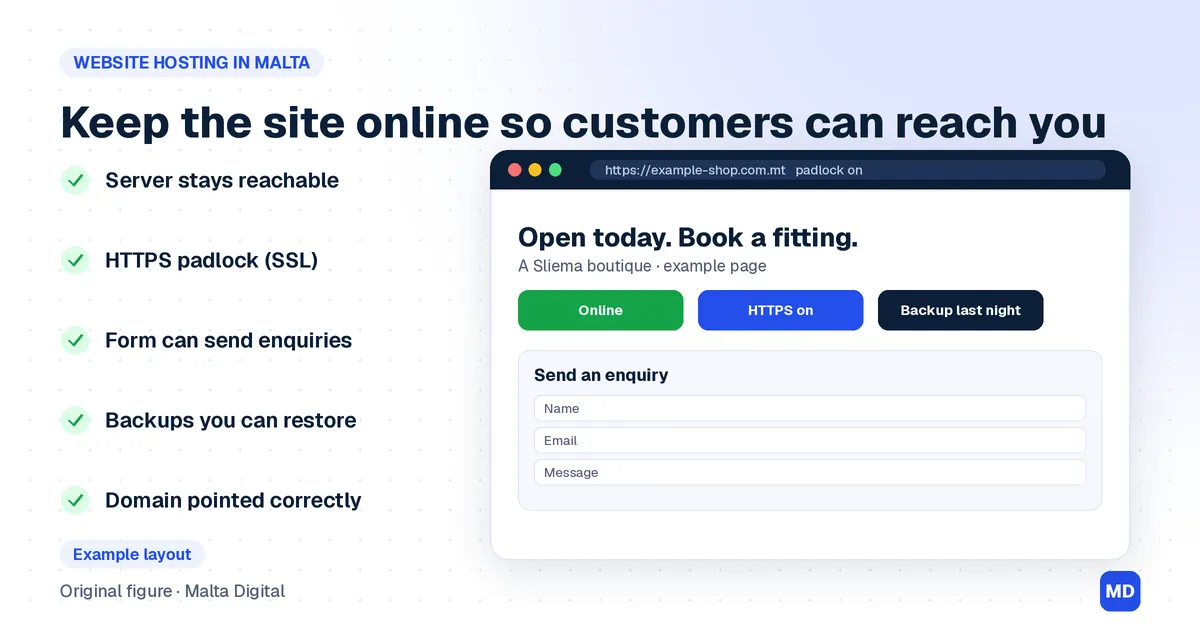
What hosting costs over three years and what to get in writing.
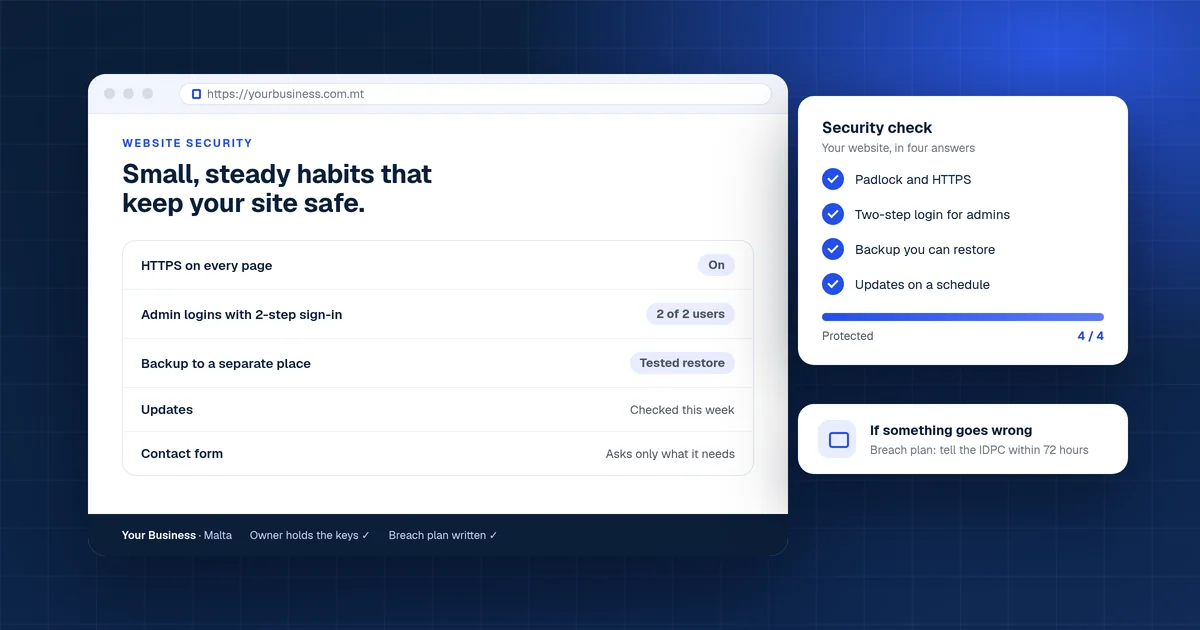
The basics that keep your site and data safe.
A useful first step
Professional Website from €990, Business Website from €2,490 and Growth Website from €4,900. Tell us about your business and we reply with what we would build, including the email setup.
Step 1 of 2
A few quick questions, about a minute. We usually reply within 2–3 hours.