Meta Pixel
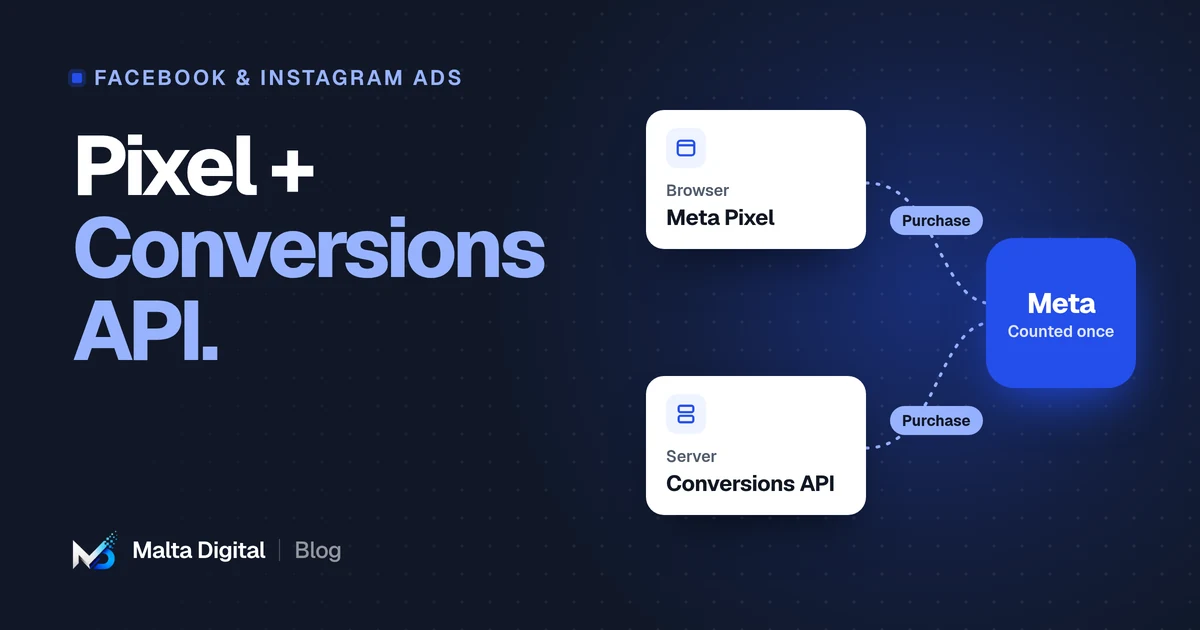
Runs in the browser.
Quick to install. Good for page views and on-site behaviour. Loses some events to blockers and privacy settings.
Facebook & Instagram ads · Tracking
The Meta Pixel is a piece of code on your website that tells Meta when someone views a page, enquires or buys. The Conversions API sends the same events from your website’s server instead of the visitor’s browser, so fewer are lost to ad blockers and privacy settings. Most businesses running ads for leads or sales should use both, set up so each event is only counted once.
By Malta Digital · Published · Updated · 6 min read
The basics
The Pixel is a short piece of JavaScript that loads with your web pages. When a visitor does something you care about, it sends an event to Meta: a page view, a product viewed, an item added to the basket, a form sent, a purchase.
Meta uses those events in three ways. It reports results in Ads Manager, so you can see which ad led to which action. It builds audiences, such as people who visited your pricing page last month. And it learns who is likely to take the action you are optimising for, so it can show your ads to more people like them.
That last point is the one owners often miss. Tracking is not only about reports. It is the information Meta uses to decide who sees your ads.
Someone loaded a page. Sent automatically by the base Pixel code.
Someone viewed a product, service or key page.
Steps towards an online purchase.
A completed order, ideally with the order value and currency.
An enquiry form, a call or WhatsApp click, or a booking.
The gap
The Pixel runs in the visitor’s browser. That makes it easy to install, but it also means anything that blocks browser scripts can stop it.
When events go missing, your reports undercount results, and Meta has less information to learn from. Campaigns can look worse than they are, and optimise less well than they could.
Conversions API
The Conversions API, often shortened to CAPI, is a direct connection between your website’s server and Meta. When an order is placed or a form is sent, your server sends the event to Meta itself, without relying on the visitor’s browser.
It can also send events that happen away from the website: a phone booking entered in your system, a lead marked as a customer in your CRM, or an order completed in a shop. That lets you tell Meta which ads brought real customers, not just form fills.
Meta Pixel
Quick to install. Good for page views and on-site behaviour. Loses some events to blockers and privacy settings.
Conversions API
More reliable for key events like purchases and leads. Can send offline events. Needs more setup.
Meta recommends using them together. The Pixel covers browsing behaviour, and the Conversions API makes sure the events that matter most get through.
Counting once
If both the Pixel and the Conversions API send the same purchase, Meta needs to know it is one purchase, not two. This is called deduplication.
It works by sending the same event name and a shared event ID from both sources. When Meta receives two events with matching details, it keeps one. If this is not set up, your results will be inflated and your decisions will be based on numbers that are too good to be true.
Checking your setup
You do not need to be a developer to do a basic check.
Install Meta’s free Pixel Helper extension for Chrome, open your website and see which events fire on each page.
In Meta’s Events Manager, check that your key events are arriving, and from which source: browser, server or both.
Use the Test Events tool, then send a test enquiry or order yourself and watch it arrive.
Events Manager scores how well your events can be matched to Meta accounts. Low scores mean less useful data.
Your Pixel ID is the number shown in Events Manager next to your data source. You will need it, and admin access, if someone else is setting up or checking your tracking.
Setting it up
Shopify, WooCommerce and many booking tools have official Meta integrations that send server events with a few settings. This is the easiest route if your platform supports it.
A hosted option from Meta that sends server events without changes to your website code. It has a running cost for the hosting.
A server-side tag manager sends events from your own server container. Flexible, but needs technical setup and maintenance.
Your developer sends events from your website or system’s code. Best for custom websites and business systems.
For a custom website or booking system, a direct integration is usually the cleanest option, because you control exactly which events are sent and when.
Common mistakes
Each of these makes reports less reliable and campaigns less efficient. Most take minutes to fix once found.
Privacy in Malta
Malta follows EU data protection law. Tracking visitors for advertising generally needs a lawful basis, and in most cases consent through a cookie banner, before marketing tags load.
A few straight answers
The Pixel sends events from the visitor’s browser. The Conversions API sends them from your server. Using both, with deduplication, gives Meta more complete and reliable data.
In most cases, yes. The Pixel captures browsing behaviour easily, while the Conversions API makes key events like leads and purchases more reliable. Meta recommends using both.
In Meta’s Events Manager, under your data sources. It is a long number shown next to the Pixel’s name.
It fixes missing data, which helps reporting and optimisation. It will not fix a weak offer, a poor landing page or slow follow-up.
Yes. We check and set up tracking before campaigns start, because ads optimised on missing data waste money.
Keep reading
A practical checklist for ads that are not running, or running without results.
Tracking, catalogue ads, new customers, retargeting and what to measure for an online shop.
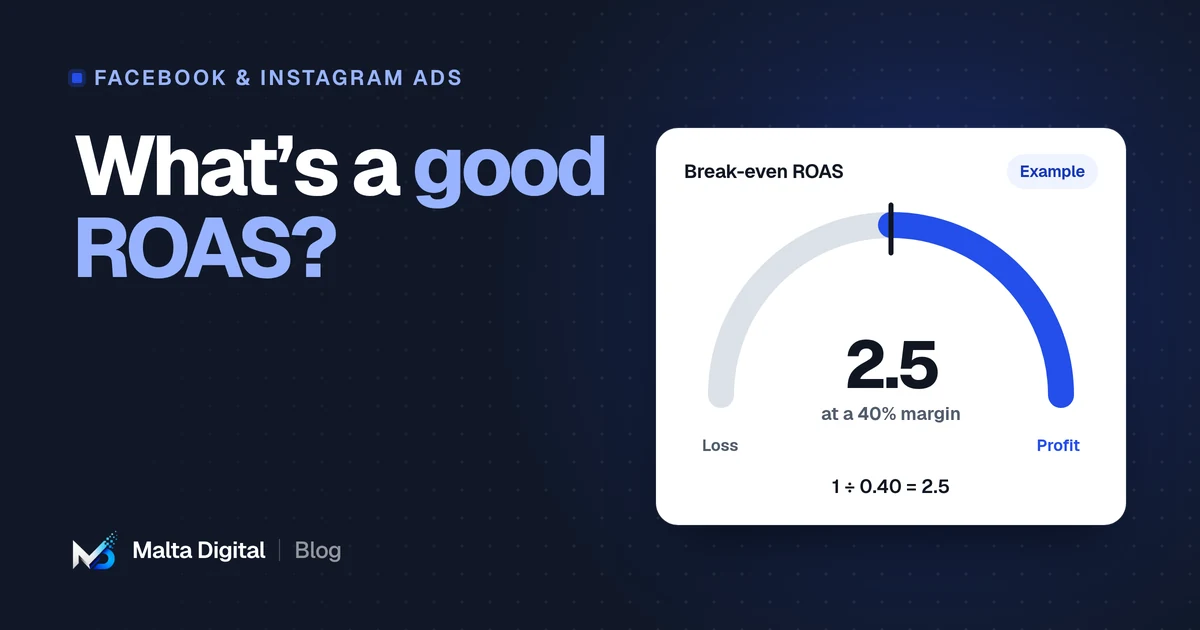
Why there is no universal number, how to work out break-even ROAS, and how VAT changes the maths.
A useful first step
We’ll check your Pixel, Conversions API and key events, and tell you what is missing. Initial review at no charge.